
AI mind map generator
AI mind map generator: think out loud, faster.
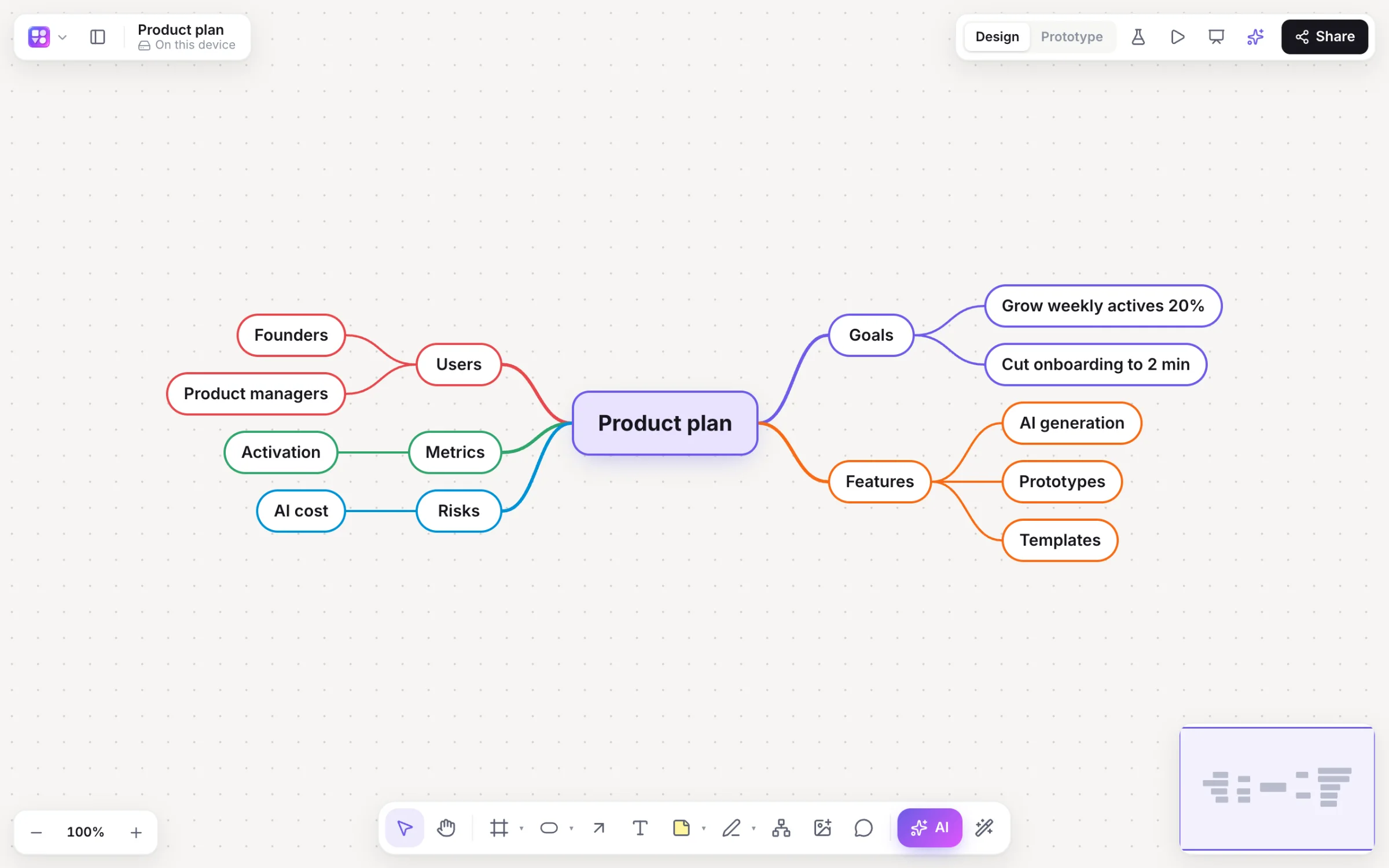
Give Builderii a topic and it draws a balanced mind map with coloured branches. Expand any idea with AI, add your own with Tab and ↵, and the map lays itself out as it grows.
Works in your browser · No card · Free while it’s new
What you get
Brainstorms that go somewhere.
Balanced or right-hand
Choose a two-sided map or one that grows to the right.
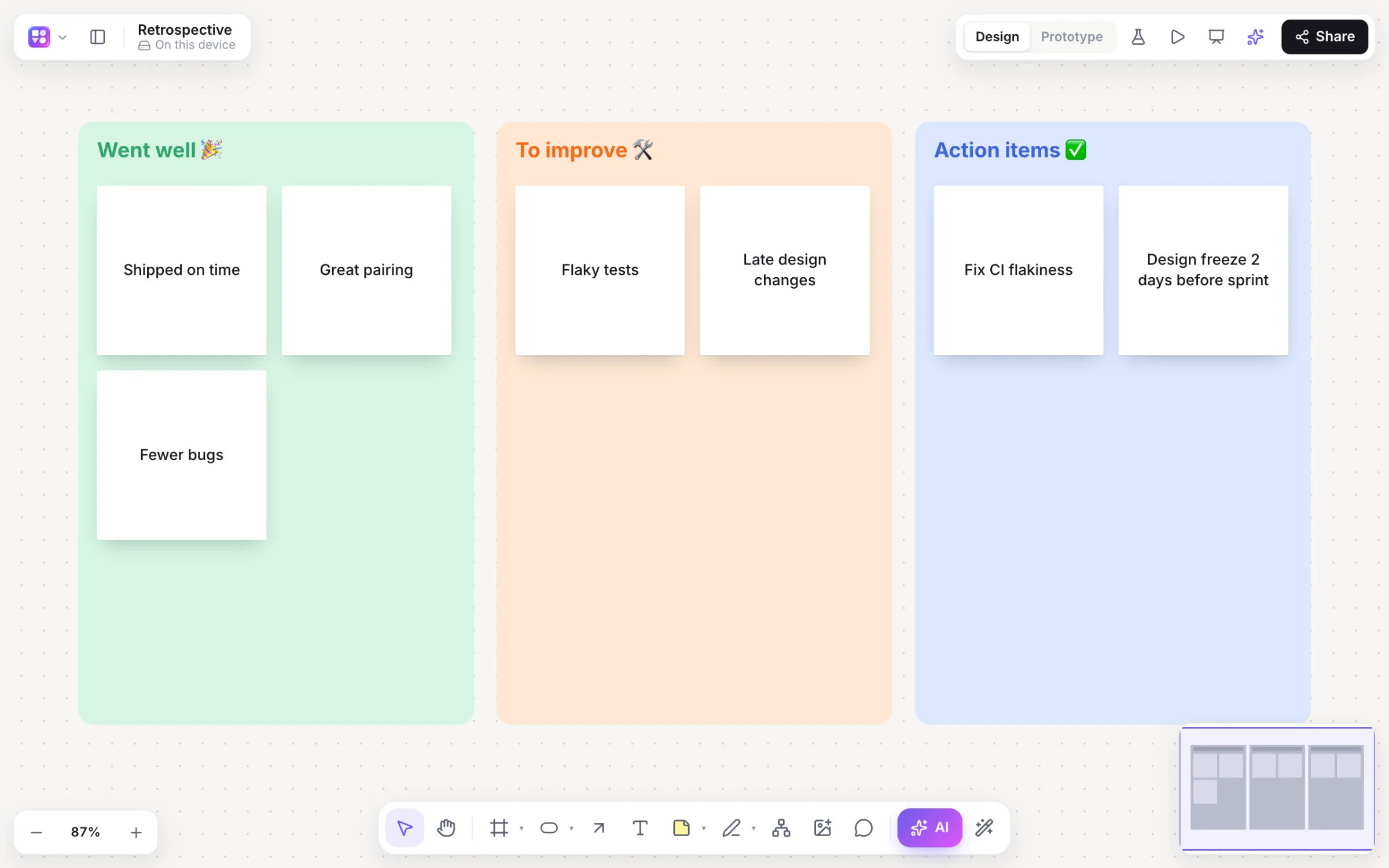
Brainstorm on stickies
Ask for a brainstorm and get themed columns of sticky notes.
Group by theme
Select notes and the AI proposes groups, previewed before anything moves.
Summarise
Turn a board into a summary card with key points and next steps.
Live together
Everyone adds ideas at once, with cursors, reactions and comments.
Share it
Export to PNG, SVG, PDF or PowerPoint, or embed the live board on a website.
How it works
From a topic to a full map.
Name the topic
Press /, pick Mind map and type “launch plan for a meal-kit app”.
Get the branches
A balanced map with a colour per branch, laid out automatically.
Expand with AI
Select any idea and press ⌘. for fresh sub-ideas that don’t repeat what’s there.
Shape it yourself
Tab adds a child, ↵ a sibling, ⌘/ collapses. Drag a node onto another to move it.
On the canvas
Real boards, made in Builderii.
Questions
Good questions.
Is the AI mind map generator free?
Yes. Builderii is free while it’s new, with every feature on and 500 AI jobs a month per person. Viewers and commenters will always be free, and paid plans will publish their AI allowances.
How do I add ideas without the mouse?
Select an idea and press Tab for a child or ↵ for a sibling, use the arrow keys to move between ideas, and ⌘. to expand with AI.
Can the AI change a mind map I already have?
Yes. Select part of it and ask, for example, to “rename Backlog to Icebox” or “add risks”; it’s changed in place and laid out again.
Can my team brainstorm together?
Yes. Everyone on a board sees live cursors and edits as they happen, can follow someone’s view, chat at their cursor and leave comments with @mentions that send a notification and an email. Invite people as editors, commenters or viewers, or share a link.
Keep reading
More ways to use Builderii.

What do you want to build?
Start with a prompt, a template or a blank board. It’s free.