
Pick Builderii if…
- You want AI to draw and change diagrams for you
- Your diagrams live next to wireframes and prototypes
- You work in Mermaid, SQL or Prisma
- You want a fast, keyboard-first canvas
Lucidchart alternative
Describe a process, a sign-in sequence or a schema and Builderii’s AI draws it with real layout engines. Then ask for changes, or drag things around yourself. Paste Mermaid, SQL or a spreadsheet and get native, editable shapes.
Works in your browser · No card · Free while it’s new
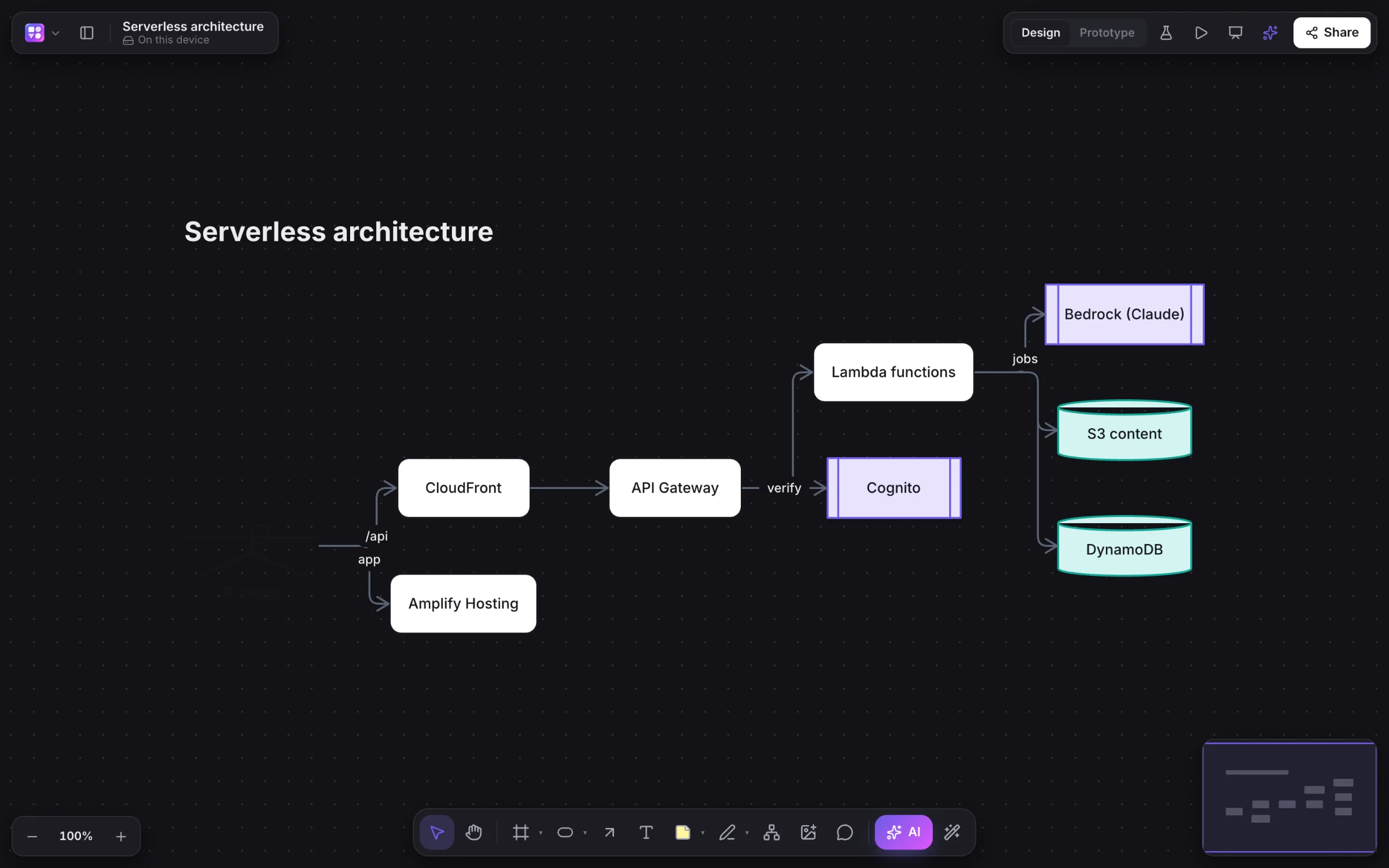
Why teams pick Builderii
Typed steps, decisions and labelled arrows that route around other shapes. Ask to “add a retry path” and only that changes.
Participants, lifelines and sync, async and reply messages, from a prompt or a Mermaid paste.
Paste SQL CREATE TABLE or Prisma models; export SQL back. Edit a table card’s text to edit the table.
Paste cells with people and their managers and one click redraws them as an org chart.
Edit the code or the shapes; each follows. Export Mermaid for docs and READMEs.
Import .drawio files with their shapes, text, edges and groups, and export draw.io back.
Side by side
| Feature | Builderii | Lucidchart |
|---|---|---|
| Flowcharts and org charts | Yes; a pasted spreadsheet becomes an org chart | Yes |
| Sequence and database diagrams | Drawn by AI; SQL and Prisma become database diagrams | Yes, with UML and ERD shape libraries |
| Wireframes and clickable prototypes | Built in, on the same board | Wireframe shape libraries |
| AI | Draws nine kinds of diagram and changes them in place | Lucid AI |
| Import | draw.io, Excalidraw, Mermaid, CSV, SQL and Prisma | Visio, draw.io and more |
| Price to start | Free, with every feature | A free plan with limits; paid plans per user |
Compared from each product’s public pages in October 2026; features change, so check before you decide. Figma, FigJam, Whimsical, Miro, Lucidchart and Balsamiq are trademarks of their owners. Builderii isn’t affiliated with or endorsed by them.
Which to pick
Questions
Yes. Builderii is free while it’s new, with every feature on and 500 AI jobs a month per person. Viewers and commenters will always be free, and paid plans will publish their AI allowances.
App screens, flowcharts, mind maps, sequence diagrams, sitemaps, brainstorms, roadmaps, database diagrams and Mermaid, and it changes the ones already on your board when you ask.
Import Excalidraw and draw.io files, paste Mermaid code for editable shapes, paste spreadsheet cells for a table (or an org chart), and paste SQL or Prisma for a database diagram. A screenshot of an existing screen or diagram becomes an editable wireframe or flowchart through the AI bar’s image button.
PNG, SVG, PDF (a page per frame), PowerPoint with speaker notes, draw.io, Mermaid code, SQL for database diagrams and a Builderii file, or copy the board as an image.
Keep reading

Start with a prompt, a template or a blank board. It’s free.