| Flowcharts, mind maps and sticky notes | On the same canvas as your screens | In FigJam, Figma’s separate whiteboard |
|---|
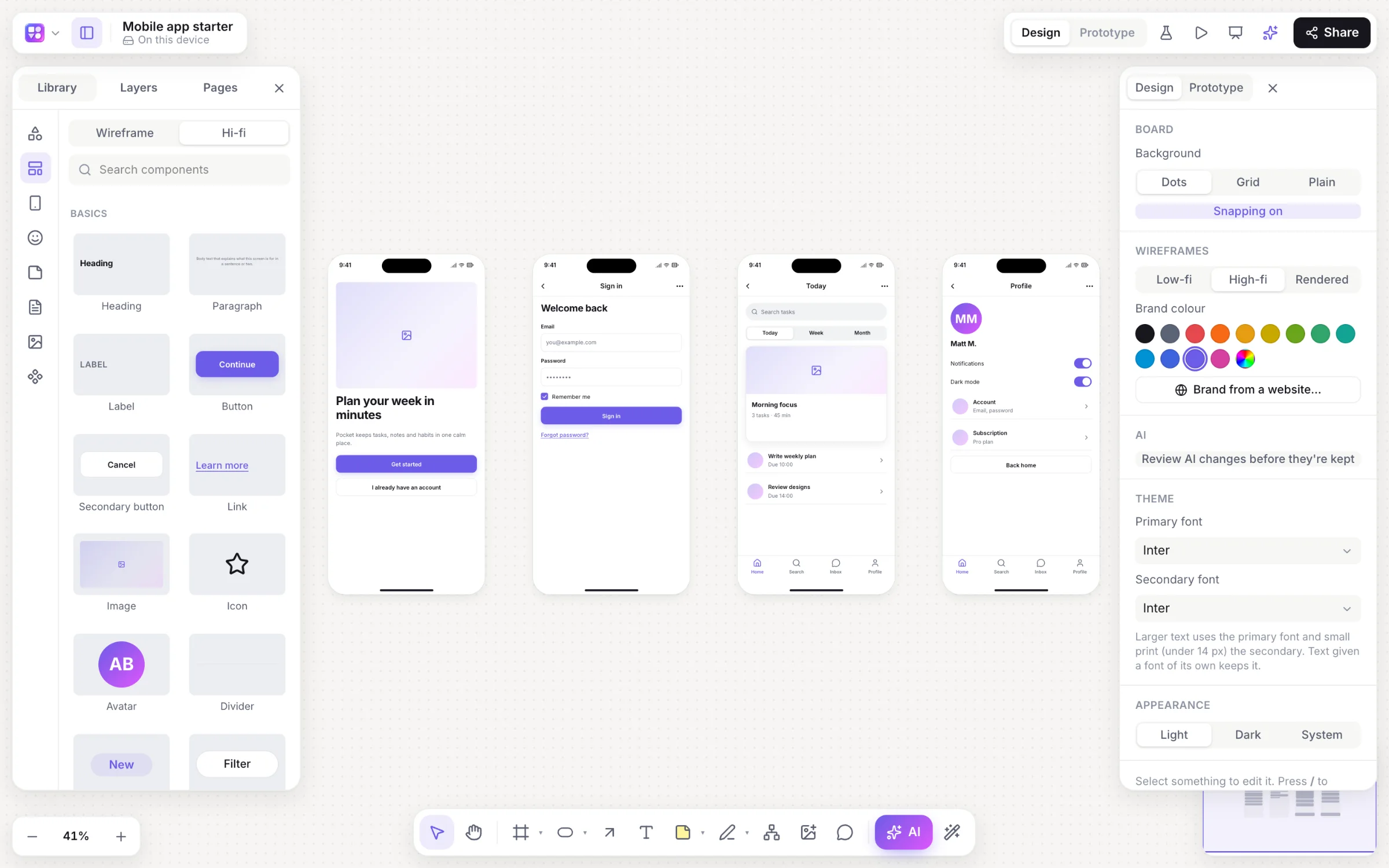
| Wireframe kit | 46 built-in components, low- or high-fidelity with one switch | Build your own or use a community kit |
|---|
| AI first drafts | Linked app screens, flowcharts, mind maps, sequence diagrams, sitemaps, roadmaps and database diagrams from a prompt, changed in place when you ask | Figma AI and Figma Make |
|---|
| Clickable prototypes | Click and hover links; instant, dissolve, slide and push transitions; a back stack | Advanced, with Smart Animate and variables |
|---|
| Prototype tests with heatmaps | Built in: a test link, tap heatmaps, time per screen and drop-off | Through third-party testing tools |
|---|
| Pixel-perfect UI and design systems | Not the goal: frames, shapes and components for exploring | The industry standard: auto layout, variants, shared libraries |
|---|
| Developer handoff | An HTML preview and a React and Tailwind component per screen | Dev Mode |
|---|
| Price to start | Free, with every feature | A free Starter plan; paid plans per seat |
|---|