
Claude & ChatGPT
Draw boards from Claude and ChatGPT.
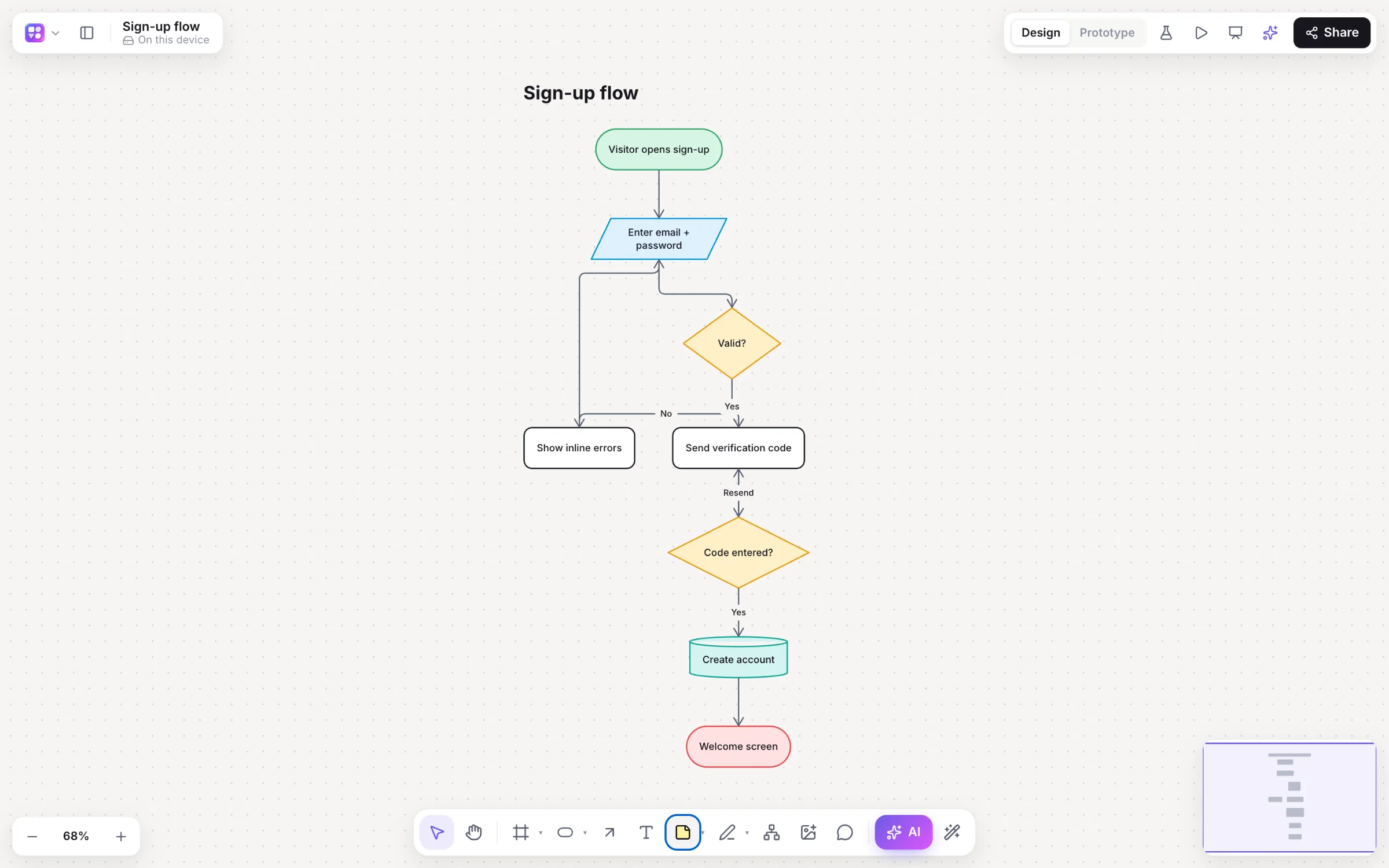
Builderii’s MCP server gives your AI assistant 37 tools that work as you: generate any diagram from a prompt or a screenshot, change one by name, read boards, add pages and comments. Results land on the board live, with a picture in the chat and an Open in Builderii button.
Works in your browser · No card · Free while it’s new
What you get
Everything the board AI does, from chat.
37 tools
Generate, read, search and change boards: flowcharts, mind maps, app screens, sequence diagrams, sitemaps, brainstorms, roadmaps and databases.
Six skills
The plugins add builderii, app-screens, diagram, brainstorm, feedback and summarize.
Prompts as slash commands
Design app screens, map a process, mind map a topic, brainstorm, or map this conversation.
Acts as you
OAuth 2.1 with a consent screen; every tool has your access and nothing more.
Access tokens
Agents that can’t sign in use a personal access token you can revoke.
Live on the board
Anyone with the board open sees the result arrive, like a teammate’s edit.
How it works
Connected in a minute.
Add Builderii
Install the Claude or ChatGPT plugin, or add a custom connector with Builderii’s MCP address.
Sign in and allow
Builderii shows which app is asking and what it can do. Allow, and you’re connected.
Ask for it
“Draw our checkout as a flowchart with the payment-failed path.” It lands on your board, live.
Keep going
Ask for screens for each step, a spec, or a summary of the board. Disconnect any time in Settings.
Connect
Copy, paste, connected.
Or download the plugins from Settings → Connected apps in Builderii.
Builderii’s MCP address (Claude connectors, ChatGPT, Cursor and other MCP clients)
https://app.builderii.com/mcpClaude Code: install the plugin, then /mcp → builderii → Authenticate
claude plugin install builderii --marketplace https://app.builderii.com/plugins/claude/marketplace.jsonQuestions
Good questions.
Which apps can connect to Builderii?
Claude (on the web, the desktop app and Claude Code), ChatGPT, and any MCP client that supports OAuth 2.1 or a bearer token, such as Cursor.
Is it safe to connect?
Apps sign in with OAuth and act with your access only. You see who’s asking before you allow it, and you can disconnect apps or revoke tokens in Settings at any time.
Does it use my AI allowance?
Tools that run Builderii’s own AI count as AI jobs, like the AI bar. Drawing a structure the assistant writes itself doesn’t.
Is it free?
Yes. Builderii is free while it’s new, with every feature on and 500 AI jobs a month per person. Viewers and commenters will always be free, and paid plans will publish their AI allowances.
Keep reading
More ways to use Builderii.

What do you want to build?
Start with a prompt, a template or a blank board. It’s free.