
Figma, when…
- You’re producing final UI
- You maintain a design system
- Engineers need Dev Mode
Figma vs Whimsical
Both are loved, and they solve different problems. Figma is a professional interface design tool; Whimsical is a fast, opinionated tool for flowcharts, mind maps, wireframes and docs. Here’s how they compare, and where Builderii fits if you want the speed of one and the prototypes of the other.
Works in your browser · No card · Free while it’s new
Side by side
| Feature | Figma | Whimsical | Builderii |
|---|---|---|---|
| Best for | Final, pixel-perfect UI and design systems | Fast flowcharts, mind maps, wireframes and docs | Idea to tested prototype on one board |
| Flowcharts and mind maps | In FigJam | Yes, keyboard-fast | Yes, keyboard-fast, and drawn and changed by AI |
| Wireframes | Build your own or use a kit | A clean low-fidelity kit | 46 components; low-fi, high-fi and Rendered |
| Clickable prototypes | Yes, advanced | Not built in | Yes, with transitions and a player |
| User tests with heatmaps | Through third-party tools | Not built in | Built in |
| AI | Figma AI and Figma Make | Whimsical AI | Nine kinds of diagram, edits in place, Rendered and code |
| Learning curve | Steeper; built for designers | Gentle | Gentle; single-key tools, ⌘K and AI |
| Price to start | A free Starter plan | A free plan with limits | Free, with every feature |
Compared from each product’s public pages in October 2026; features change, so check before you decide. Figma, FigJam, Whimsical, Miro, Lucidchart and Balsamiq are trademarks of their owners. Builderii isn’t affiliated with or endorsed by them.
Which to pick
Figma is where interfaces are finished. Its vector tools, auto layout, components with variants and shared libraries make it the standard for design systems, and Dev Mode hands specs to engineers. Its prototyping goes deep, with Smart Animate and variables. FigJam, its whiteboard, covers brainstorming and diagrams in a separate kind of file.
The trade-off is speed for early work: wireframing a flow from scratch takes longer, and diagrams live apart from the screens.
Whimsical is quick. Flowcharts, mind maps, wireframes and docs share a calm, keyboard-friendly style, and its wireframes are clean and low fidelity by design. It’s a favourite for planning and thinking work.
The trade-off is depth for product design: there are no clickable prototypes with transitions, and wireframes stay low fidelity.
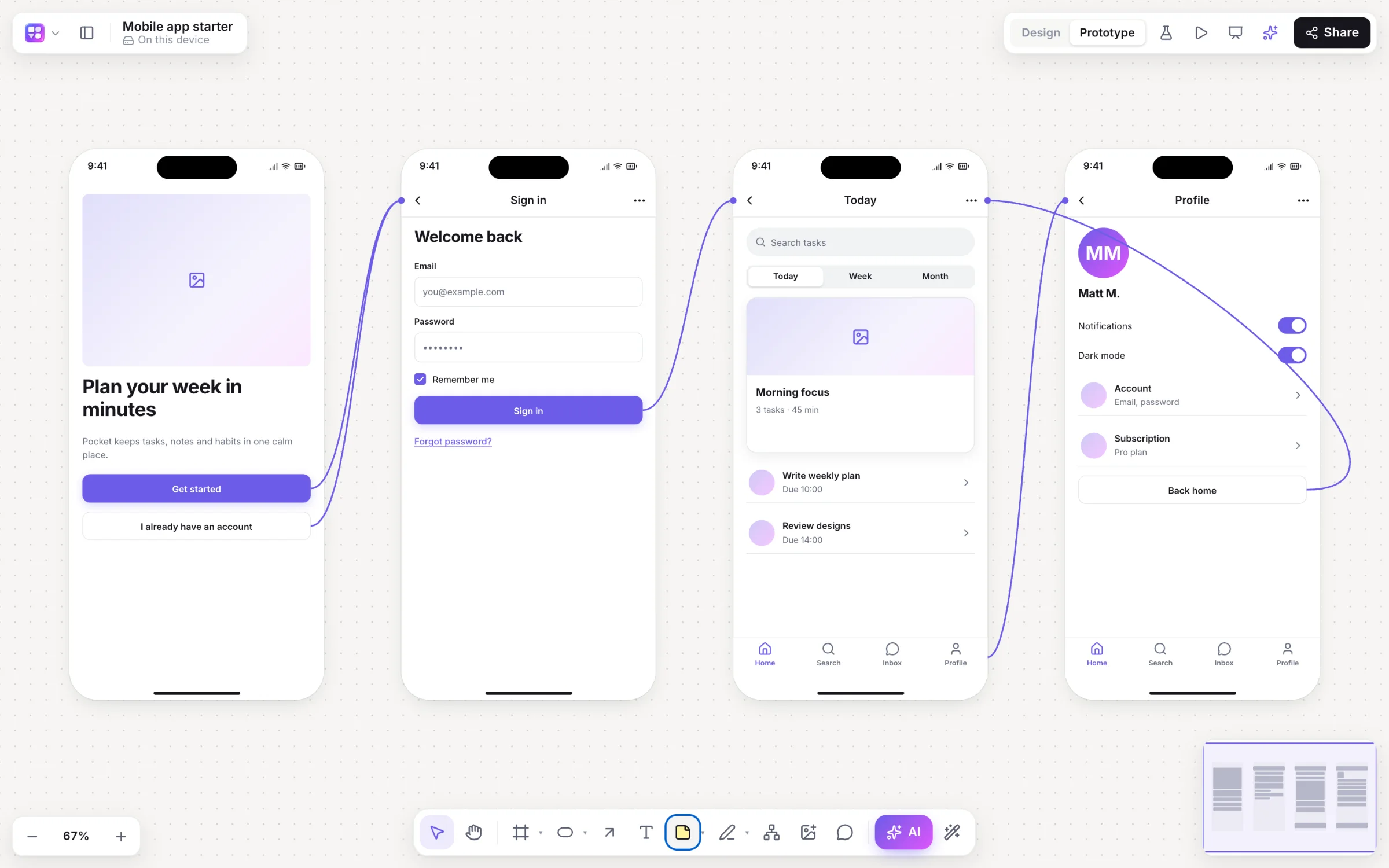
Builderii borrows Whimsical’s keyboard speed and Figma’s screens-and-Play, and adds an AI that builds and edits alongside you. Describe an app and get linked screens; switch them between low-fi, high-fi and Rendered final designs; press Play; and share a test link that brings back tap heatmaps. Flowcharts, mind maps and sticky notes sit on the same board.
For final production UI and design systems, Figma is still the tool. For everything before that, Builderii puts it on one canvas.
Questions
For quick, low-fidelity wireframes, many people find Whimsical faster. For high-fidelity screens and design systems, Figma goes much further. Builderii covers both ends: a low-fi kit and a one-switch high-fi look, plus Rendered final designs.
Whimsical doesn’t have clickable prototypes with transitions built in, as of October 2026. Figma and Builderii both do; Builderii adds test links with tap heatmaps.
Whimsical and Builderii are quicker to pick up; Figma is deeper and takes longer to master.
Builderii puts Whimsical-style diagrams and Figma-style screens and prototypes on one canvas, with AI that builds alongside you. It’s free while it’s new.
Keep reading

Start with a prompt, a template or a blank board. It’s free.