
Prototyping tool
A prototyping tool that shows you what people did.
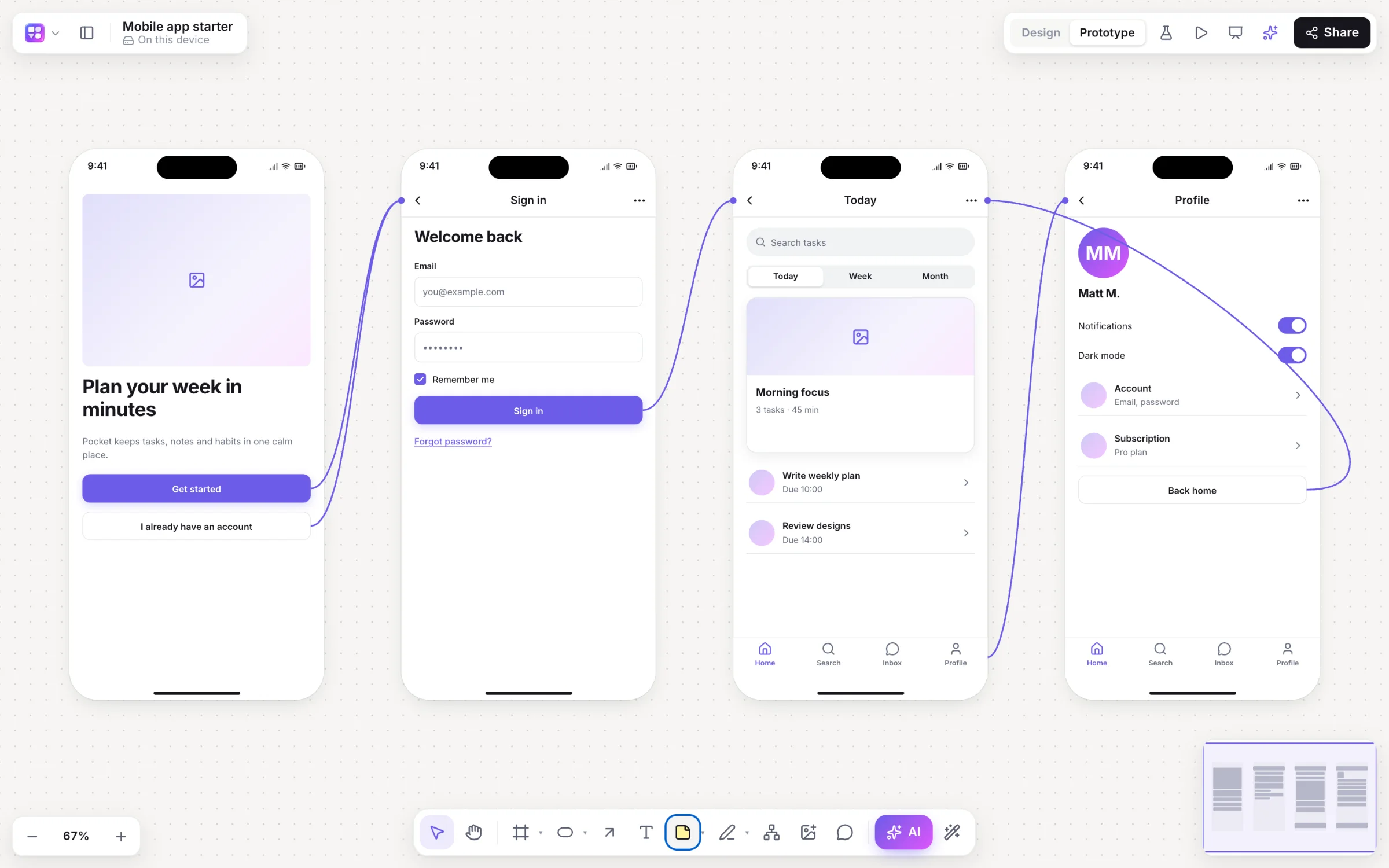
Link your screens, press Play, and share a test link. Builderii records where testers tapped and which screens they reached, then shows heatmaps and drop-off right on your board.
Works in your browser · No card · Free while it’s new
What you get
Everything a prototype needs.
Transitions
Instant, dissolve, slide in four directions and push, with a back stack.
Tap heatmaps
Red where taps hit links, orange where they missed, on every screen.
Drop-off
Visits, average time, how many stopped on each screen, and how many reached the end.
Wireframe or Rendered
The player runs your wireframes or their Rendered final designs, links included.
Present
Frames become slides with speaker notes and a presenter view in its own window.
Embed it
Put the live board on any website with an iframe, optionally starting in the prototype.
How it works
From screens to a tested prototype.
Make the screens
Draw frames by hand, start from a template, or let the AI draw linked app screens.
Link them
In Prototype mode (⇧E), pick any element, a screen to go to, click or hover, and a transition.
Press Play
⌘↵ opens the player in a device frame, with back, restart and hotspot hints.
Test it
Copy the test link. Testers press Start the test; you get heatmaps, time per screen and where they stopped.
On the canvas
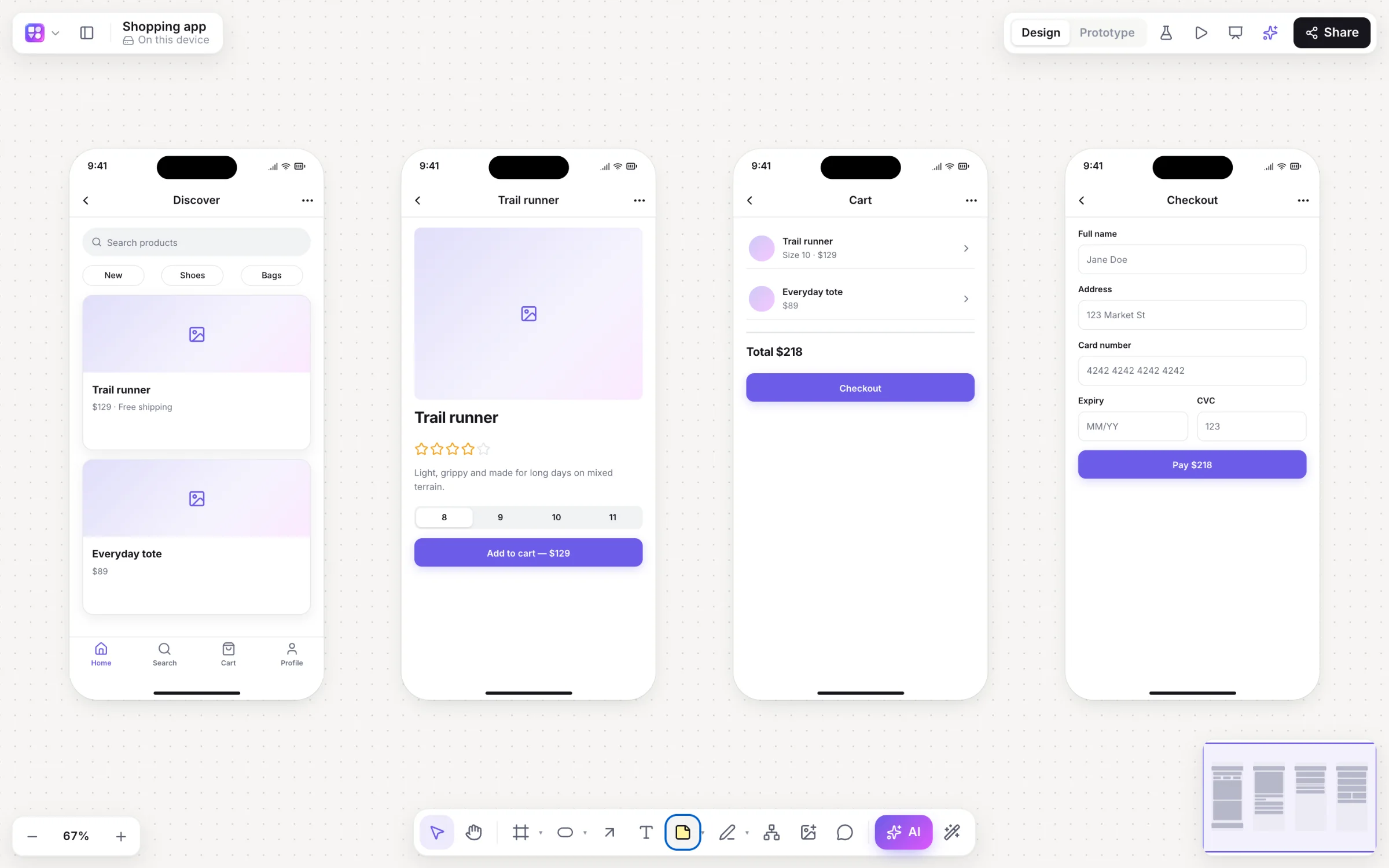
Real boards, made in Builderii.
Questions
Good questions.
Is the prototyping tool free?
Yes. Builderii is free while it’s new, with every feature on and 500 AI jobs a month per person. Viewers and commenters will always be free, and paid plans will publish their AI allowances.
Do testers need an account?
No. They open the test link, press Start the test and use the prototype; their taps and paths are recorded anonymously and sent when they finish.
How long are test results kept?
180 days. Editors can clear them at any time.
Can I prototype on a phone?
Boards open on phones for looking and playing: anyone can play a prototype on their phone, and testers can take a test there. Building prototypes is for a computer or a tablet.
Can I hand the prototype to engineers?
Make it real turns any screen into a live HTML preview and a React and Tailwind component, and the spec writer turns the flow into user stories.
Keep reading
More ways to use Builderii.

What do you want to build?
Start with a prompt, a template or a blank board. It’s free.