
Figma, when…
- You’re designing final UI
- You maintain a design system
- Engineers inspect specs in Dev Mode
Figma vs FigJam
They come from the same company and share a look, so they’re easy to mix up. Figma is for designing interfaces; FigJam is a whiteboard for the thinking around them. Here’s what each is for, and when one board for both is simpler.
Works in your browser · No card · Free while it’s new
In short
Figma (Figma Design) is an interface design tool for screens, components, design systems and prototypes. FigJam is Figma’s online whiteboard for brainstorming, sticky notes, diagrams and workshops. They’re separate kinds of file in the same company’s platform. Use Figma to design the product and FigJam to think about it; Builderii puts the whiteboard, the flow, the screens and the prototype on one board.
Side by side
| Feature | Figma | FigJam | Builderii |
|---|---|---|---|
| Made for | Designing interfaces | Whiteboarding and workshops | Idea to tested prototype on one board |
| Sticky notes, voting and a timer | No | Yes | Yes |
| Flowcharts and mind maps | Not its focus | Yes | Yes, keyboard-fast and drawn by AI |
| Wireframes and screens | Yes, pixel-perfect | Not its focus | 46 components; low-fi, high-fi and Rendered |
| Clickable prototypes | Yes, advanced | No | Yes, with test links and heatmaps |
| Design systems and Dev Mode | Yes | No | No |
| Price to start | A free Starter plan | A free Starter plan | Free, with every feature |
Compared from each product’s public pages in October 2026; features change, so check before you decide. Product names are trademarks of their owners. Builderii isn’t affiliated with or endorsed by them.
Which to pick
Figma, or Figma Design, is where interfaces are designed and finished: vector tools, auto layout, components with variants, shared libraries for design systems, prototypes with Smart Animate and variables, and Dev Mode for engineers to inspect specs.
It’s built for designers, and it’s the industry standard for production UI.
FigJam is Figma’s online whiteboard: sticky notes, stamps, voting, a timer, simple diagrams and flowcharts, templates for workshops, and FigJam AI. It’s friendlier for the whole team, including people who never open a design file.
FigJam boards and Figma design files are separate files, though they share an account, a team and libraries.
Product work moves from the whiteboard to the design: notes become a flow, the flow becomes screens, the screens become a prototype. With Figma and FigJam that’s a hand-off between files.
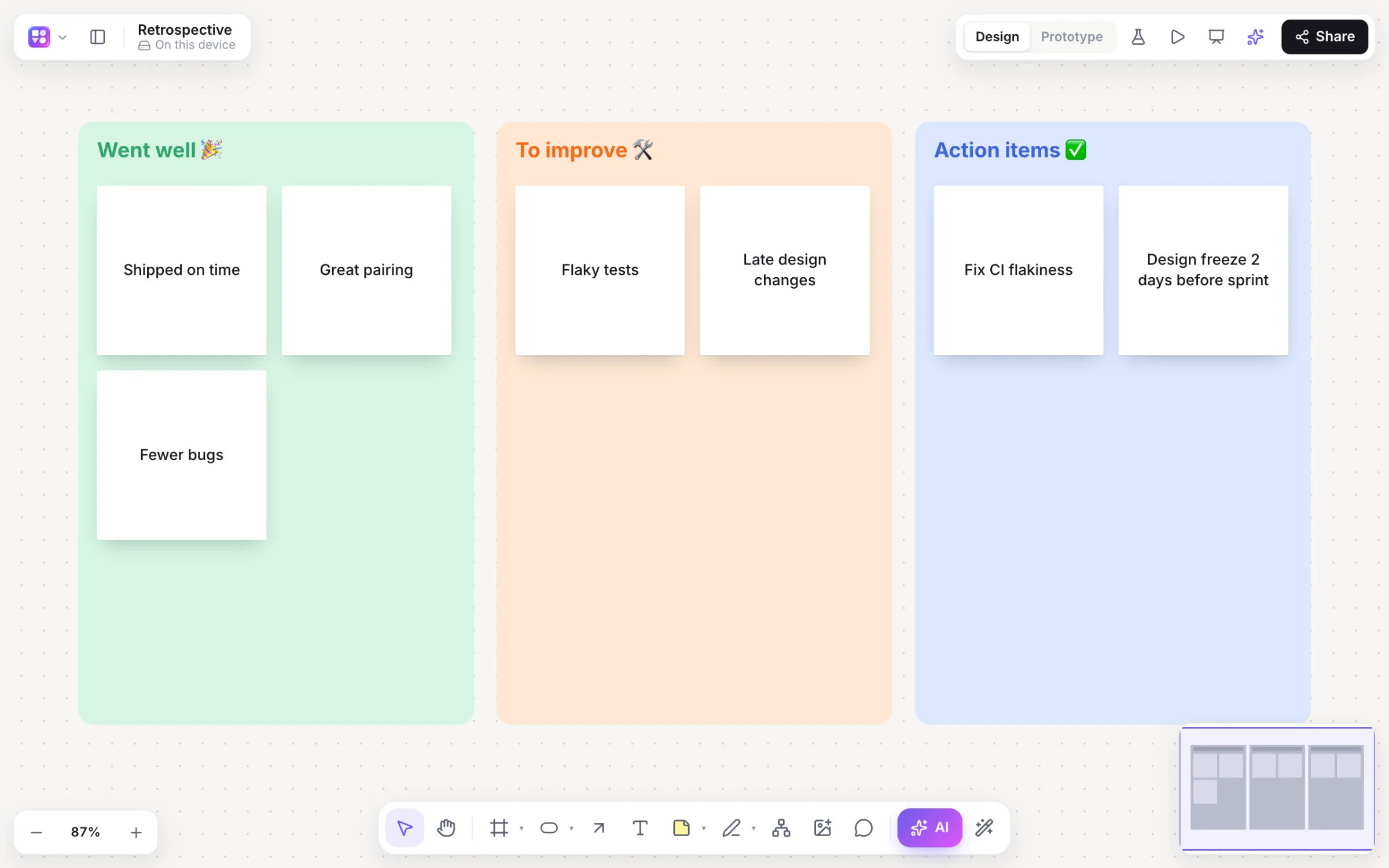
Builderii keeps it on one board: stickies with voting and AI clustering, flowcharts and mind maps, linked wireframes in low or high fidelity, and a clickable prototype you can test with real people. For final, pixel-perfect UI and design systems, Figma is still the tool.
Questions
No. Both are made by Figma, but Figma (Figma Design) is an interface design tool, and FigJam is a separate online whiteboard for brainstorming, diagrams and workshops. They use different kinds of file.
No. Clickable prototypes are made in Figma Design. FigJam is for whiteboarding and diagrams. Builderii has both on one board.
FigJam has a free Starter plan with limits, like Figma, and paid plans per seat. Check Figma’s pricing page for current limits.
Builderii puts sticky notes, flowcharts, mind maps, wireframes and clickable prototypes on one canvas, with AI that builds alongside you. It’s free while it’s new.
Keep reading

Start with a prompt, a template or a blank board. It’s free.