
Flowchart maker
A flowchart maker as fast as you think.
Flowcharts shouldn’t mean nudging boxes and redrawing arrows. In Builderii you add the next step from the keyboard, arrows find their own way around, and the chart lays itself out again whenever it gets messy. Or describe the process and let the AI draw it.
Works in your browser · No card · Free while it’s new
In short
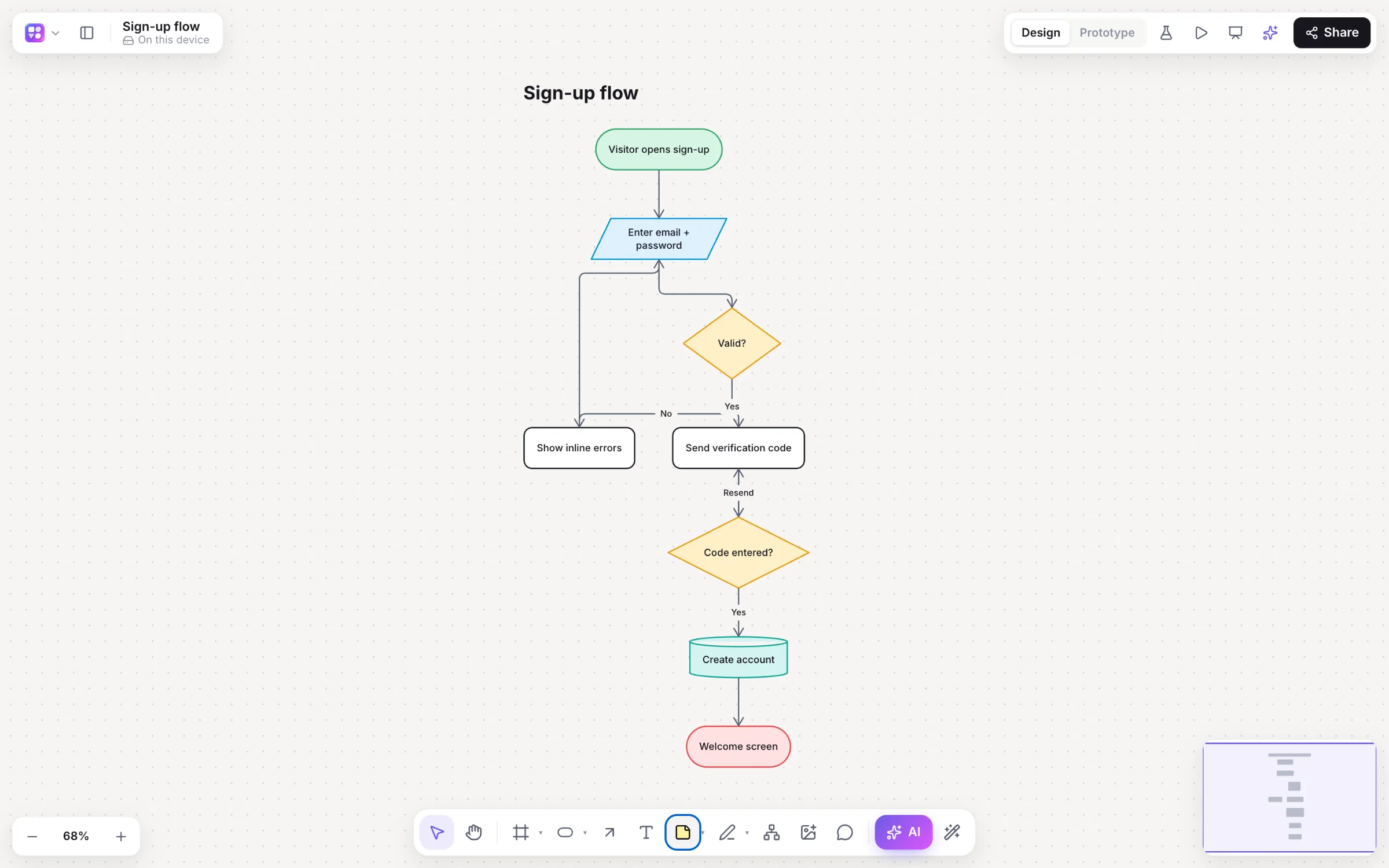
Builderii is a free online flowchart maker built for speed. Select a step and press ⌥+Arrow to add the next one, connected; elbow arrows route around other shapes; one click lays the whole chart out top to bottom or left to right. Flowchart shapes cover start and end, process, decision, input/output, document, database and subprocess, and the AI can draw or change a chart from a sentence.
- Shapes
- Start, end, process, decision, input/output, document, database, subprocess, note, actor
- Speed
- ⌥+Arrow quick-add, single-key tools, auto-layout with ⇧⌥V and ⇧⌥H
- Export
- PNG, SVG, PDF, PowerPoint, draw.io and Mermaid
- Price
- Free while it’s new, with every feature and 200 AI jobs a month
What you get
Every flowchart tool, none of the fuss.
Connectors that route
Straight, elbow or curved, six arrowheads, labels, and elbow arrows that avoid other shapes.
AI when you want it
Describe a process, or select a step and ask to “add a manager review after this”.
Mermaid in and out
Paste Mermaid for native shapes; export the flowchart as Mermaid code.
Animated flow
Make connectors animate to show which way work moves.
Templates
Sign-up flow, checkout process, bug triage, user journey and more.
Specs from a flow
User stories and acceptance criteria for every branch, as Markdown or CSV for Jira or Linear.
How it works
Make a flowchart without the mouse.
Start a step
Press R for a rectangle (or D for a diamond) and click.
Add the next one
⌥+Arrow adds a connected shape in that direction; a decision’s next step is a rounded step.
Label it
Type to name a step; double-click an arrow to label it “Yes” or “No”.
Tidy it
⇧⌥V lays it out top to bottom, ⇧⌥H left to right.
On the canvas
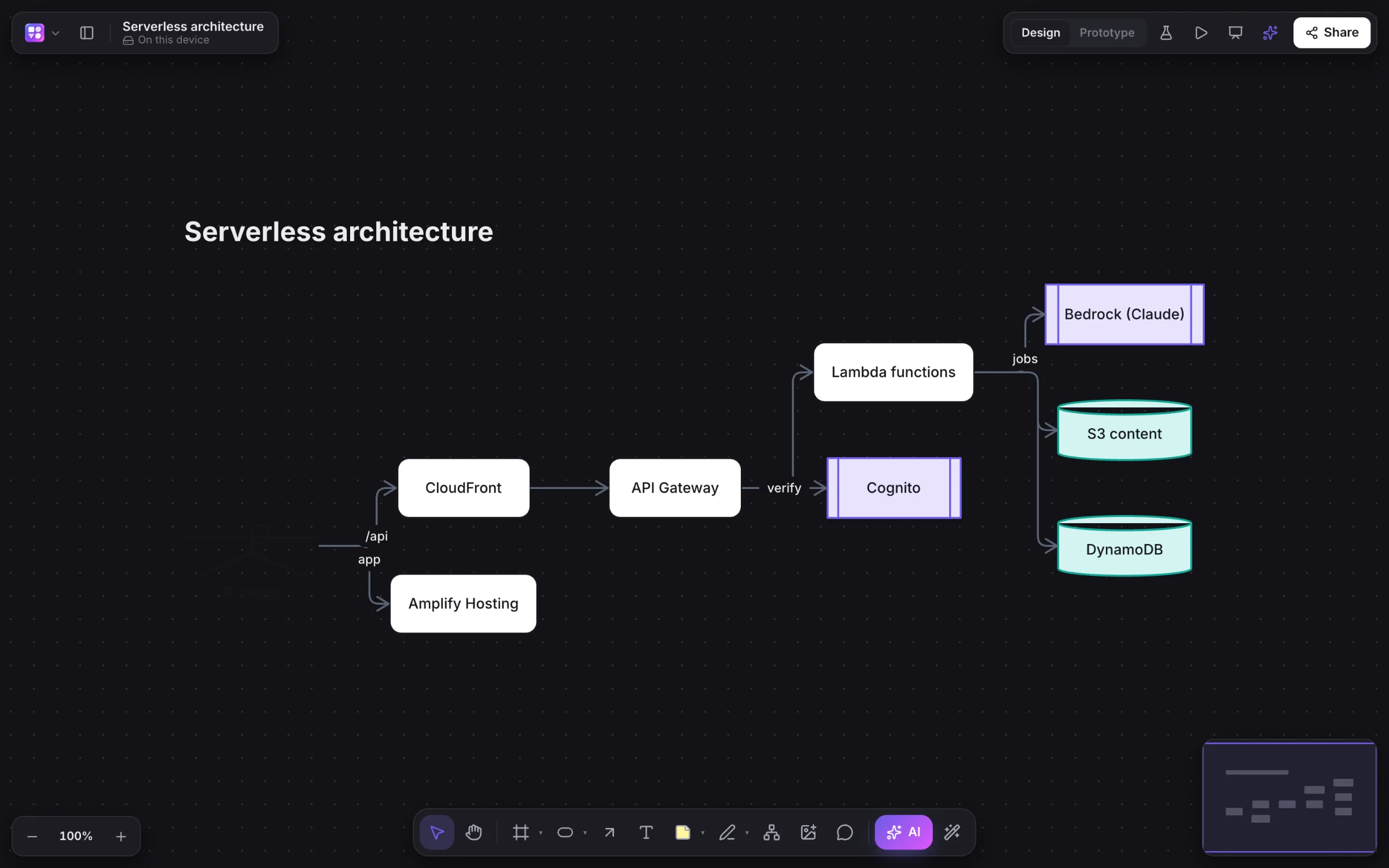
Real boards, made in Builderii.
Questions
Good questions.
Is this flowchart maker free?
Yes. Builderii is free while it’s new, with every feature on and 200 AI jobs a month per person. Viewers and commenters will always be free, and paid plans will publish their AI allowances.
Which flowchart symbols does it have?
Start and end (terminators), process steps, decisions (diamonds), input/output, documents, databases, subprocesses, notes and actors, plus connectors with labels. See the flowchart guide for what each means.
Can I export my flowchart?
PNG, SVG, PDF (a page per frame), PowerPoint with speaker notes, draw.io, Mermaid code, SQL for database diagrams and a Builderii file, or copy the board as an image.
Can AI make the flowchart for me?
Yes. Press /, choose Flowchart and describe the process; or give the AI bar a photo of a whiteboard.
Can my team edit it together?
Yes. Everyone on a board sees live cursors and edits as they happen, can follow someone’s view, chat at their cursor and leave comments with @mentions that send a notification and an email. Invite people as editors, commenters or viewers, or share a link.
Keep reading
More ways to use Builderii.

What do you want to build?
Start with a prompt, a template or a blank board. It’s free.