
Mermaid editor
A Mermaid editor where code and shapes stay in sync.
Mermaid is great for keeping diagrams in docs and READMEs, and awkward for arranging things by eye. Builderii gives you both: paste the code for real shapes, edit visually when that’s faster, and copy the Mermaid back out.
Works in your browser · No card · Free while it’s new
In short
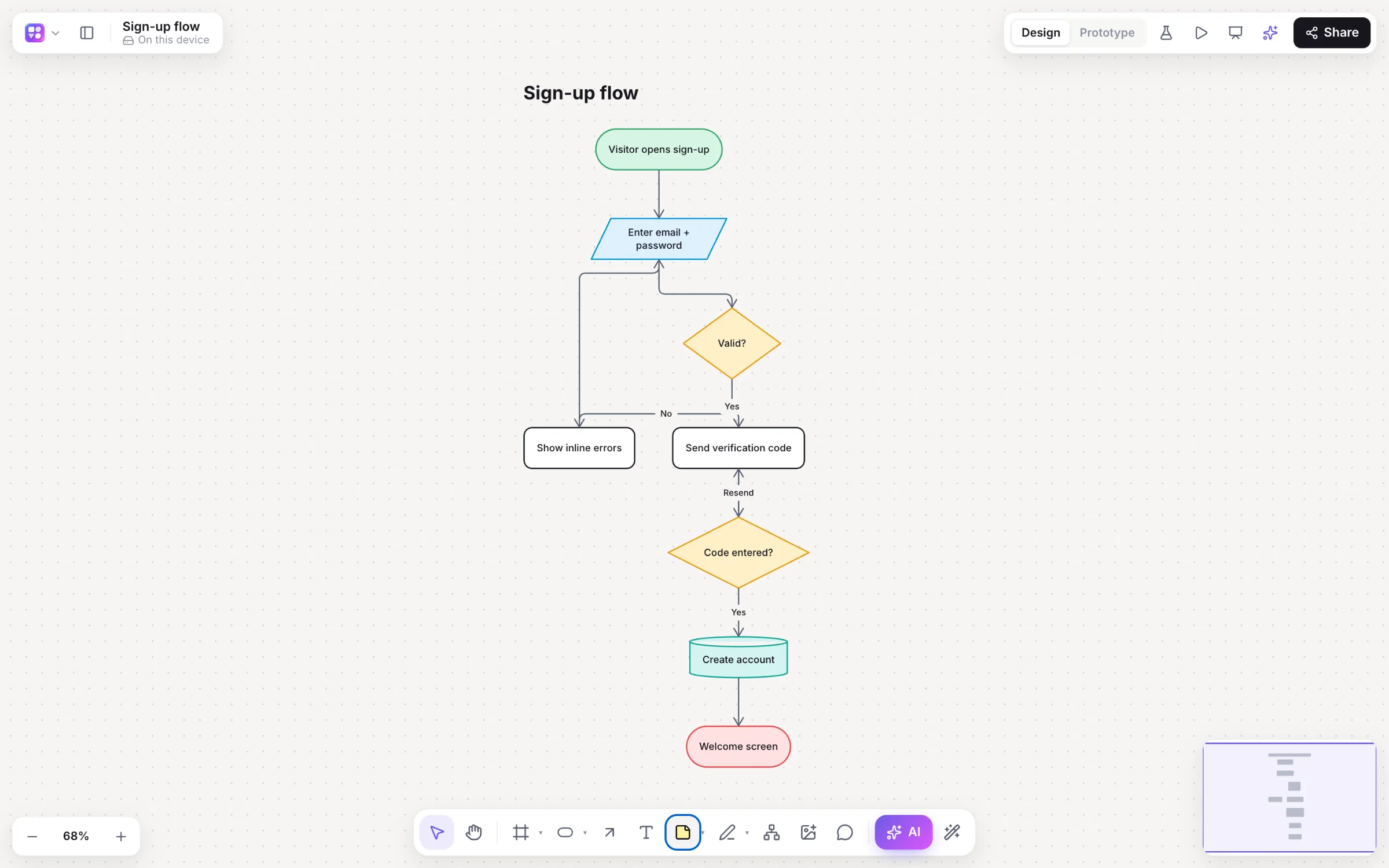
Builderii is a two-way Mermaid editor. Paste Mermaid flowchart, sequence diagram or mind map code anywhere on the board and it becomes native, editable shapes. Open the Diagram as code pane (⇧⌘M) to see the page as Mermaid: edit the code and the board changes, or move the shapes and the code follows. Export flowcharts as Mermaid for READMEs and docs.
- Diagrams
- Mermaid flowcharts, sequence diagrams and mind maps
- Two-way
- Edit the code or the shapes; each follows (⇧⌘M)
- AI
- Ask the AI to write Mermaid and draw it as native shapes
- Price
- Free while it’s new, with every feature and 200 AI jobs a month
What you get
Everything Mermaid, on a real canvas.
Flowcharts, sequences, mind maps
The three Mermaid diagram types teams use most, as native shapes.
AI that writes Mermaid
Pick Mermaid in the AI bar and describe the diagram.
Auto-layout
Shapes laid out top to bottom or left to right, arrows routed around shapes.
Style it
Colours, shapes, arrowheads and a hand-drawn look, beyond what Mermaid themes give you.
Edit together
Live cursors and comments on a diagram that started as code.
Every export
Mermaid, PNG, SVG, PDF, PowerPoint and draw.io.
How it works
Mermaid, both ways.
Paste the code
Paste Mermaid onto the board; it draws as native shapes.
Open the code pane
⇧⌘M shows the page as Mermaid.
Edit either side
Change the code and the board follows, or move shapes and the code updates.
Copy it back
Export… → Mermaid code for your README or docs.
Questions
Good questions.
Is this Mermaid editor free?
Yes. Builderii is free while it’s new, with every feature on and 200 AI jobs a month per person. Viewers and commenters will always be free, and paid plans will publish their AI allowances.
Which Mermaid diagrams are supported?
Flowcharts, sequence diagrams and mind maps, pasted onto the board or edited in the Diagram as code pane.
Does editing the shapes update the Mermaid code?
Yes. The Diagram as code pane shows the page as Mermaid and keeps it in step with the shapes, both ways.
Can I export Mermaid?
Yes. Export… → Mermaid code copies the flowchart as Mermaid.
Keep reading
More ways to use Builderii.

What do you want to build?
Start with a prompt, a template or a blank board. It’s free.