
Whimsical, when…
- You mostly make quick diagrams and docs
- Low fidelity is all you need
- You love a calm, opinionated tool
Whimsical vs Miro
Whimsical is focused and fast; Miro is broad and flexible. Which is better depends on whether your team mostly thinks in diagrams or mostly runs sessions on a board. Here’s the honest comparison, and where Builderii fits.
Works in your browser · No card · Free while it’s new
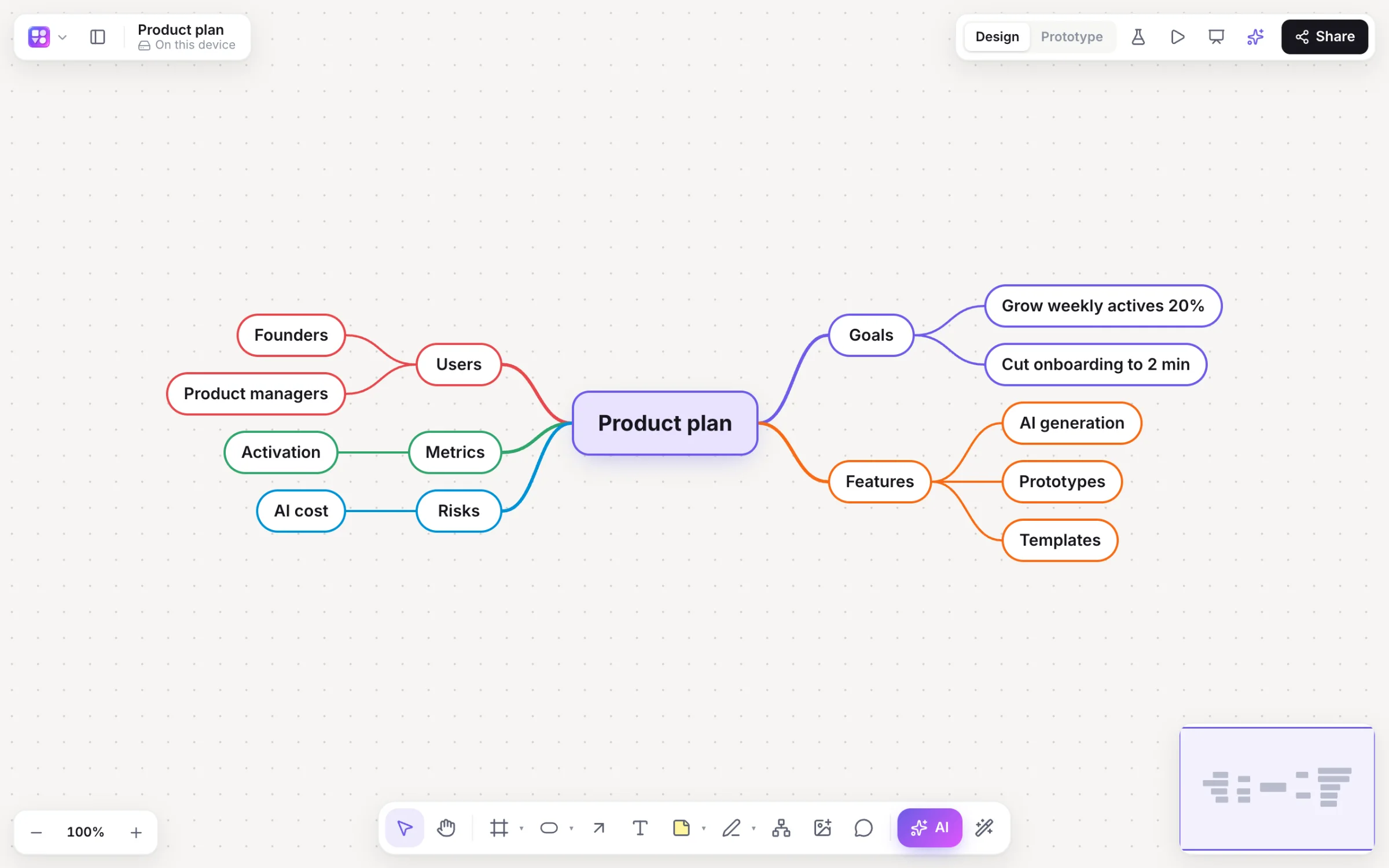
In short
Whimsical is a fast, focused tool for flowcharts, mind maps, low-fidelity wireframes and docs, loved for its keyboard speed and calm style. Miro is a big, flexible whiteboard for workshops and company-wide collaboration, with a large marketplace. Pick Whimsical for quick thinking work, Miro for scale, or Builderii for Whimsical-style speed plus clickable prototypes and user tests.
Side by side
| Feature | Whimsical | Miro | Builderii |
|---|---|---|---|
| Best for | Fast diagrams and docs | Workshops and company-wide boards | Idea to tested prototype on one board |
| Flowcharts and mind maps | Yes, keyboard-fast | Yes | Yes, keyboard-fast, and drawn and changed by AI |
| Wireframes | A clean low-fi kit | A wireframe library | Low-fi, high-fi and Rendered |
| Clickable prototypes | Not built in | Miro Prototypes, made with AI | Yes, with test links and heatmaps |
| Workshops: voting and timer | Yes | Yes | Yes |
| Price to start | A free plan with limits | A free plan with limits | Free, with every feature |
Compared from each product’s public pages in October 2026; features change, so check before you decide. Product names are trademarks of their owners. Builderii isn’t affiliated with or endorsed by them.
Which to pick
Whimsical is quick: flowcharts, mind maps, wireframes and docs share a calm, consistent style and keyboard-friendly tools, and its wireframes are clean and low fidelity by design. Whimsical AI drafts flowcharts and mind maps.
The trade-off is depth for product design: it doesn’t have clickable prototypes with transitions built in, and wireframes stay low fidelity.
Miro does a bit of everything for everyone: workshops, research, planning and diagrams, with a very large template and app marketplace and enterprise admin.
The trade-off is focus: diagrams take more arranging by hand, and boards can sprawl.
Builderii borrows Whimsical’s keyboard speed (single-key tools, ⌥+Arrow quick-add, Tab and ↵ mind maps, one-click auto-layout), adds the workshop basics Miro is known for, and goes further for product work: linked wireframes from a prompt, high fidelity in your brand, a clickable prototype and tests with tap heatmaps.
Questions
Many people find Whimsical faster for flowcharts and mind maps because of its keyboard-first tools and tidy style. Miro is more flexible for everything else on a board.
Both have a free plan with limits and paid plans per editor or member; check their pricing pages for current numbers. Builderii is free while it’s new, with every feature.
Whimsical doesn’t have clickable prototypes with transitions built in, as of October 2026. Builderii does, with test links and tap heatmaps.
Builderii: single-key tools, quick-add arrows and Tab/Enter mind maps like Whimsical, plus linked wireframes, a clickable prototype and user tests, with AI that builds alongside you.
Keep reading

Start with a prompt, a template or a blank board. It’s free.