
Pick Builderii if…
- Your sketches turn into flows, screens and prototypes
- You want diagrams that lay themselves out
- You want AI that draws and changes diagrams
- You need comments, roles and shared projects
Excalidraw alternative
Excalidraw is the best sketchpad on the web. Builderii opens your .excalidraw files with their sketchy style intact, then gives the sketch somewhere to go: flowcharts that lay themselves out, mind maps you build from the keyboard, wireframes, a clickable prototype, and an AI that draws and edits with you.
Works in your browser · No card · Free while it’s new
In short
Builderii is an Excalidraw alternative that imports .excalidraw files with their hand-drawn style, then adds what Excalidraw leaves to you: flowchart and mind map tools that lay themselves out, a 46-component wireframe kit, clickable prototypes with user tests, comments with @mentions, and an AI that draws and edits diagrams. Excalidraw is the better pick for open source, self-hosting and a no-sign-up sketchpad.
Why teams pick Builderii
Shapes, text, arrows, freehand, frames, groups and the hand-drawn style come across. Excalidraw shapes paste in too.
Turn on Hand-drawn for a sketchy look with a handwritten font, per shape or sticky, or keep things crisp.
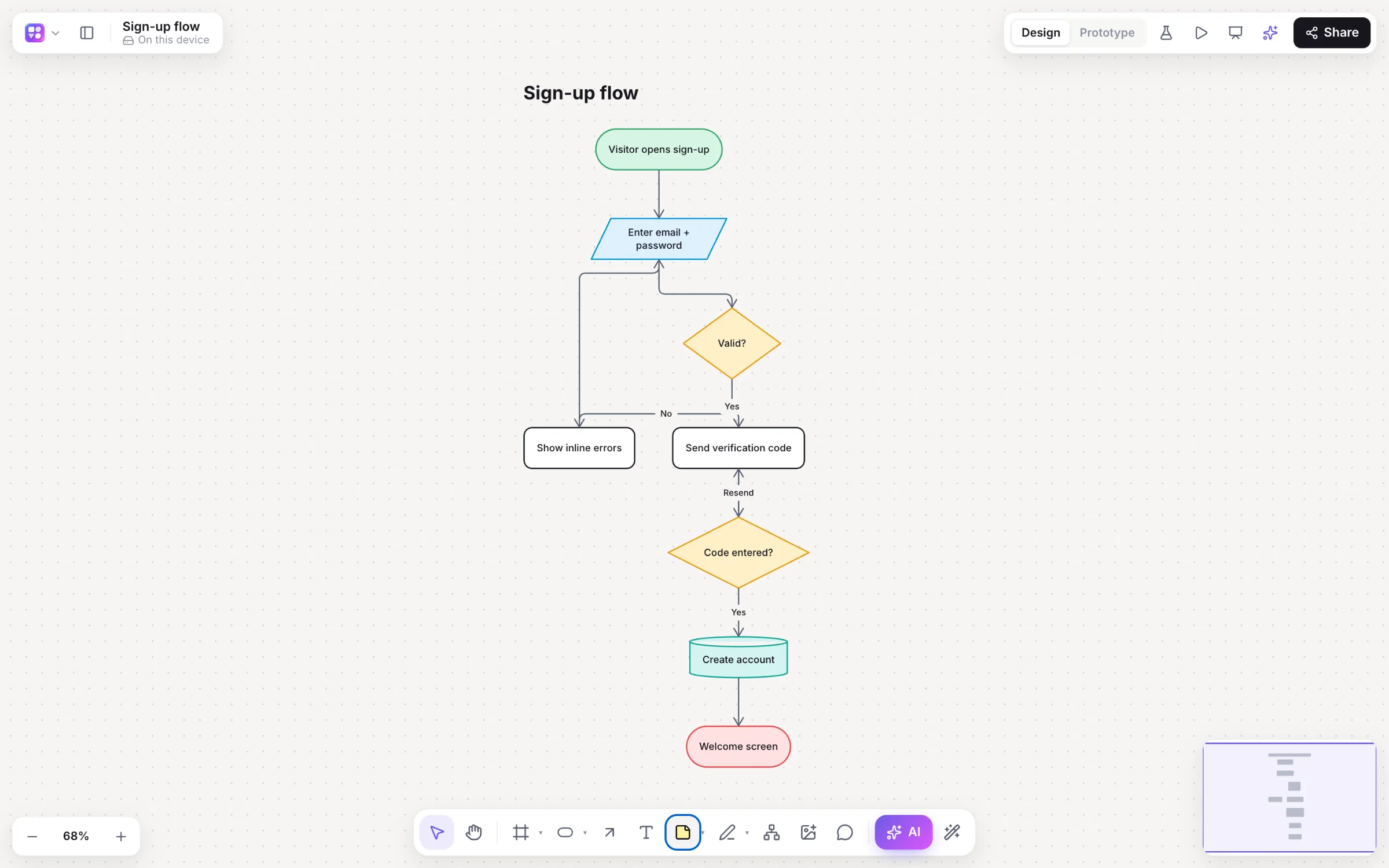
Typed steps and decisions, ⌥+Arrow to add the next one, elbow arrows that route around shapes, and one-click auto-layout.
Tab for a child, ↵ for a sibling; branches colour and lay themselves out as the map grows.
46 components in device frames, linked into a prototype you play full screen and test with real people.
Draw nine kinds of diagram from a prompt, then select part of one and ask for a change. Only that part moves.
Scribble a screen with the marker, select it and choose Sketch → wireframe for editable components.
Comments with @mentions, editors, commenters and viewers, teams and shared projects, and version history.
Switching
Save your scene as a .excalidraw file.
Choose Import Excalidraw, draw.io or CSV… in the main menu, or drop the file on the board.
Shapes stay editable with the hand-drawn style; add structure with flowchart and mind map tools.
Share as editor, commenter or viewer, or turn on a link.
Side by side
| Feature | Builderii | Excalidraw |
|---|---|---|
| Hand-drawn style | A Hand-drawn option on shapes and stickies, and a clean look | Its signature look |
| Flowchart and mind map tools | Typed shapes, quick-add, auto-layout, Tab / ↵ mind maps | Shapes and arrows that bind to them, arranged by hand |
| Wireframes and clickable prototypes | A 46-component kit, links, transitions, a player and test links | Draw wireframes from shapes and a community library |
| AI | Nine kinds of diagram from a prompt, changed in place | Text to diagram and wireframe to code |
| Collaboration | Live cursors, comments with @mentions, roles, teams and projects | Live sessions over end-to-end encrypted links |
| Open source and self-hosting | No: a hosted app | Yes |
| Price to start | Free, with every feature | Free; Excalidraw+ for teams |
Compared from each product’s public pages in October 2026; features change, so check before you decide. Product names are trademarks of their owners. Builderii isn’t affiliated with or endorsed by them.
Which to pick
Questions
Yes. Import a .excalidraw file from the main menu or drop it on the board: shapes, text, arrows, freehand, frames, groups and the hand-drawn style come across as editable Builderii shapes. You can also paste Excalidraw shapes directly.
Yes. Hand-drawn is an appearance option on shapes and sticky notes, with a sketchy outline and a handwritten font. Low-fi wireframes have a rough, sketchy look too.
No. Builderii is a hosted app. If you need open source or self-hosting, Excalidraw (or draw.io) is the better fit.
Yes. Builderii is free while it’s new, with every feature on and 200 AI jobs a month per person. Viewers and commenters will always be free, and paid plans will publish their AI allowances.
Yes. Everyone on a board sees live cursors and edits as they happen, can follow someone’s view, chat at their cursor and leave comments with @mentions that send a notification and an email. Invite people as editors, commenters or viewers, or share a link.
Keep reading

Start with a prompt, a template or a blank board. It’s free.