
Wireframe tool
A wireframe tool that goes from sketch to polished in one switch.
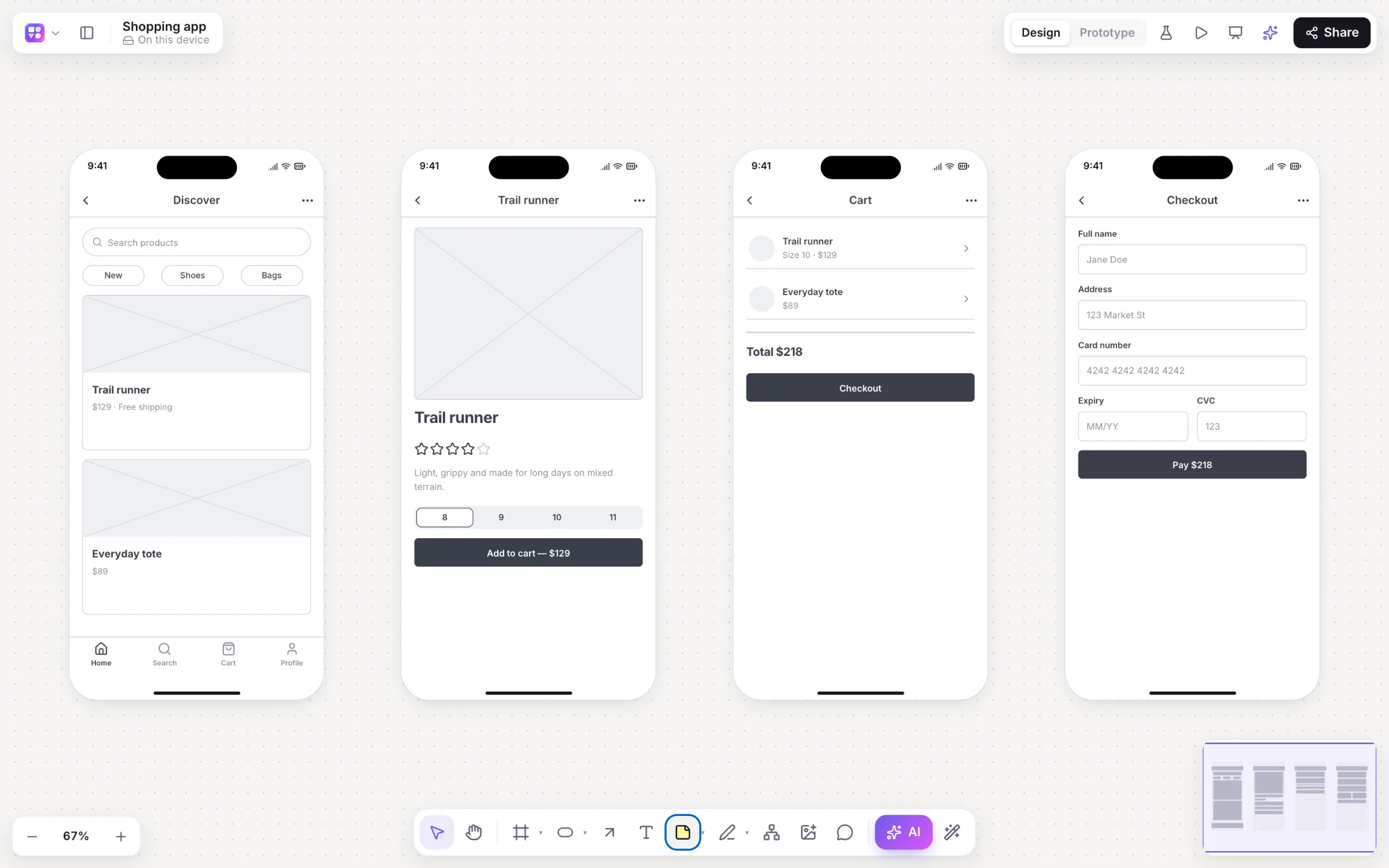
Wireframe by hand from a real component kit, or describe the screens and let AI draw them. Every screen starts in a rough, low-fidelity style for fast feedback, and the same screens turn high fidelity in your brand when it’s time to show them.
Works in your browser · No card · Free while it’s new
In short
Builderii is a free online wireframe tool. Drag from 46 components (buttons, fields, tab bars, cards, tables, charts, pricing and full website sections) into phone, tablet, web, desktop or watch frames, or let the AI draw linked screens from a prompt. Wireframes start rough and low fidelity; ⇧W turns them polished and on-brand, and Play makes them a clickable prototype.
- Components
- 46, each with editable props, plus your own saved components
- Devices
- iPhone, Android, iPad, web, desktop and watch frames
- Fidelity
- Low-fi, high-fi in your brand, or Rendered final designs
- Price
- Free while it’s new, with every feature and 200 AI jobs a month
What you get
Everything a wireframe needs.
A real component kit
Each component has props you edit in the inspector: labels, states, items, icons and colours.
Low-fi and high-fi
A sketchy, Balsamiq-style low-fi look, and a polished high-fi look in your brand colour.
Responsive variants
One click makes a phone, tablet or website version of a screen.
Your brand from a URL
Colours, fonts and corner rounding read from your website, applied to every high-fi screen.
1,631 Google fonts
Primary and secondary theme fonts, or a font on a single element.
Accessibility check
Contrast, tap targets and labels pinned on the screens, most with a one-click fix.
My components
Save any selection as a component and reuse it across boards.
Screens to code
Make it real gives a live HTML preview and a React and Tailwind component.
How it works
From a blank frame to a wireframe set.
Pick a device
Drop a phone, tablet, web, desktop or watch frame, or start from the Mobile app starter or Landing page template.
Drag components
46 components in the library: basics, inputs, navigation, content, overlays and website sections.
Or describe it
Press /, pick App screens, and describe the app; linked screens arrive in frames.
Polish and link
⇧W for high fidelity, then link screens and press ⌘↵ to play.
On the canvas
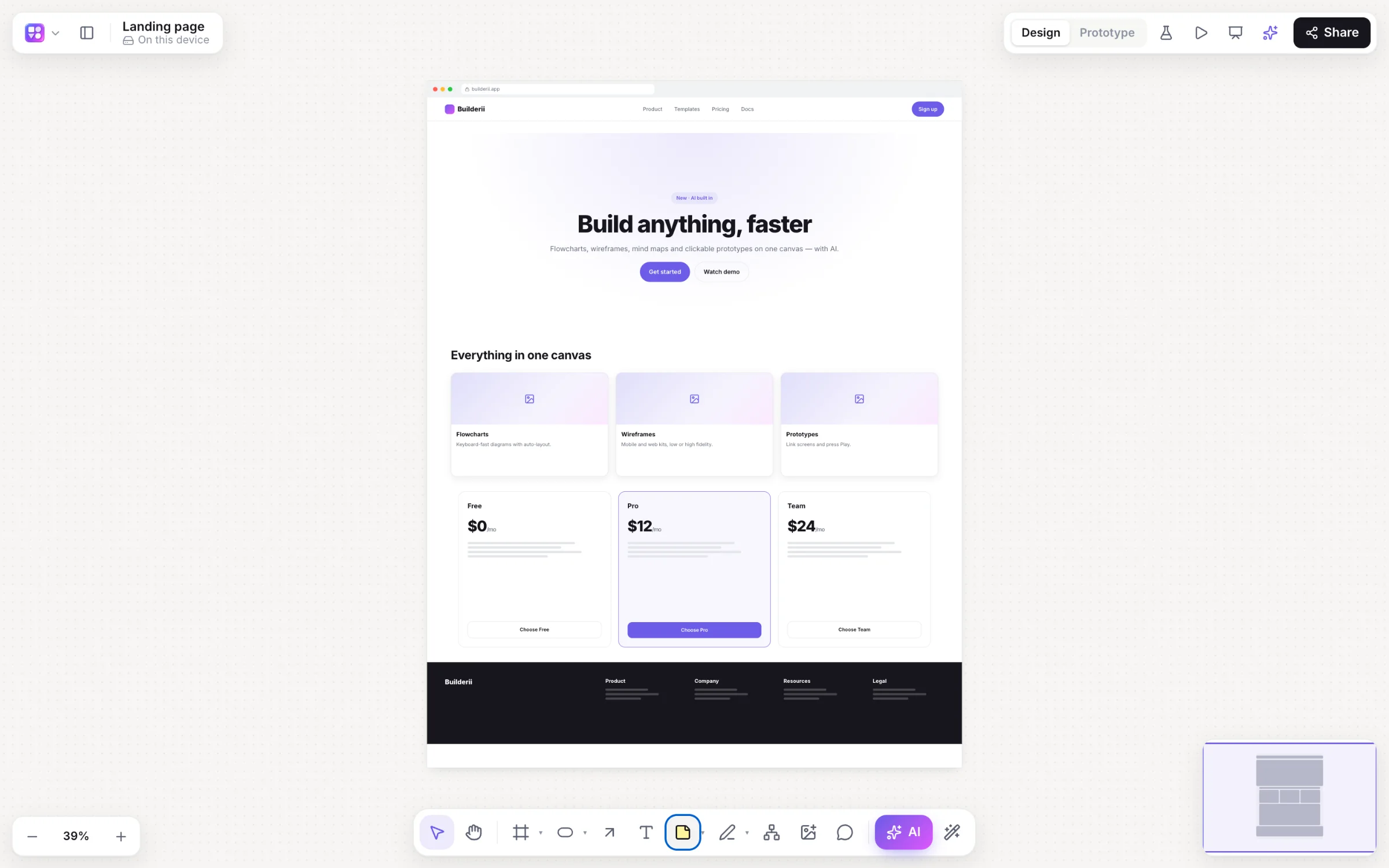
Real boards, made in Builderii.
Questions
Good questions.
Is this wireframe tool free?
Yes. Builderii is free while it’s new, with every feature on and 200 AI jobs a month per person. Viewers and commenters will always be free, and paid plans will publish their AI allowances.
Can I make website wireframes, not just apps?
Yes. Web and desktop frames, plus website sections (navigation, heroes, feature grids, pricing, testimonials and footers) in the component library, and AI that draws a web page from a description.
What’s the difference between low-fi and high-fi?
Low-fi draws a rough, sketchy wireframe so people comment on the flow, not the colours. High-fi draws the same screens polished, in your brand colour and fonts. ⇧W switches the whole board.
Can I turn wireframes into a prototype?
Yes. Link any element to a screen in Prototype mode, pick a transition, and press ⌘↵ to play. Share a test link to see where people tap.
Does it work on a tablet?
Yes, building works on a computer or a tablet. On a phone, boards open for viewing, commenting and playing prototypes.
Keep reading
More ways to use Builderii.

What do you want to build?
Start with a prompt, a template or a blank board. It’s free.