
Mind map maker
A mind map maker that keeps up with your thinking.
Good mind mapping is about speed: an idea should be on the map before you lose it. Builderii’s mind maps are driven from the keyboard, lay themselves out as they grow, and come with an AI that suggests the next ideas when you’re stuck.
Works in your browser · No card · Free while it’s new
In short
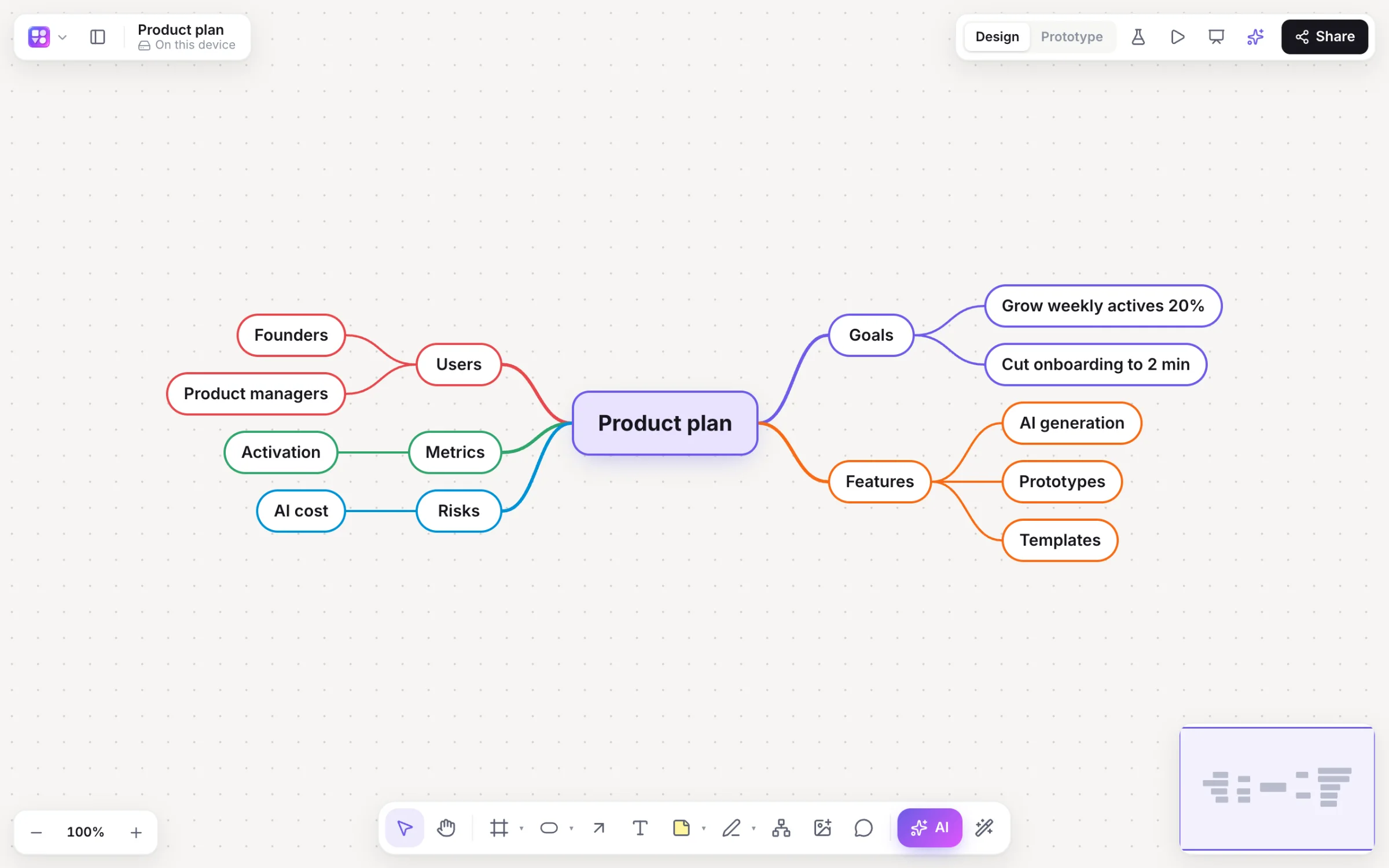
Builderii is a free online mind map maker. Press M to start a map, Tab to add a child idea and Enter to add a sibling, and the map stays balanced, with a colour per branch, as it grows. Collapse branches with ⌘/, drag ideas to move them, and press ⌘. on any idea for fresh AI suggestions. Maps can sit next to flowcharts, sticky notes and screens on the same board.
- Keys
- M to start, Tab for a child, Enter for a sibling, ⌘/ to collapse
- Layout
- Balanced or right-hand, laid out automatically, a colour per branch
- AI
- ⌘. expands any idea; or generate a whole map from a topic
- Price
- Free while it’s new, with every feature and 200 AI jobs a month
What you get
Mind maps, made quick.
Balanced or right-hand
A two-sided map or one that grows to the right, laid out automatically.
AI ideas
Expand any idea, or ask the AI for a whole map from a topic.
Map together
Everyone adds ideas at once, with live cursors, reactions and comments.
Next to the plan
Turn branches into a flowchart, stickies or screens on the same board.
Mermaid mind maps
Paste Mermaid mind map code to draw it as native ideas.
Share it
PNG, SVG, PDF or PowerPoint, or embed the live board on a website.
How it works
Map a topic in a minute.
Start
Press M and click, or pick the Brainstorm mind map template.
Add ideas
Tab adds a child, ↵ a sibling, arrow keys move between ideas.
Get unstuck
Select an idea and press ⌘. for sub-ideas that don’t repeat what’s there.
Reshape
Drop an idea on another to move it, drag to reorder, ⌘/ to collapse.
Questions
Good questions.
Is this mind map maker free?
Yes. Builderii is free while it’s new, with every feature on and 200 AI jobs a month per person. Viewers and commenters will always be free, and paid plans will publish their AI allowances.
Can I make a mind map without the mouse?
Yes. Tab adds a child idea, ↵ a sibling, arrow keys move between ideas, ⌘/ collapses a branch and ⌘. expands one with AI.
Can several people map at once?
Yes. Everyone on a board sees live cursors and edits as they happen, can follow someone’s view, chat at their cursor and leave comments with @mentions that send a notification and an email. Invite people as editors, commenters or viewers, or share a link.
Can I export my mind map?
Yes: PNG, SVG, PDF or PowerPoint, or embed the live board on a website with an iframe.
Keep reading
More ways to use Builderii.

What do you want to build?
Start with a prompt, a template or a blank board. It’s free.