
Miro, when…
- The whole company collaborates on boards
- You rely on its marketplace
- You need enterprise admin
Miro vs FigJam
Both are excellent online whiteboards with sticky notes, templates, AI and live collaboration. They differ in scope: Miro aims at the whole company, FigJam at teams that design in Figma. Here’s how to choose, and where Builderii fits.
Works in your browser · No card · Free while it’s new
In short
Miro is a whiteboard for the whole company, with a huge template and app marketplace, Miro AI and enterprise admin. FigJam is Figma’s simpler, friendlier whiteboard that sits next to Figma design files. Pick Miro for company-wide collaboration, FigJam if your designs already live in Figma, or Builderii if your boards should end in flows, wireframes and a tested prototype.
Side by side
| Feature | Miro | FigJam | Builderii |
|---|---|---|---|
| Best for | Company-wide whiteboarding | Teams that design in Figma | Product flows, screens and prototypes |
| Workshops: stickies, voting, timer | Yes | Yes | Yes |
| AI | Miro AI | FigJam AI | Nine kinds of diagram, changed in place |
| Clickable prototypes | Miro Prototypes, made with AI | In Figma Design, a separate file | On the same board, with tests and heatmaps |
| Apps and integrations | A very large marketplace | Figma’s plugins and widgets | Claude and ChatGPT through MCP |
| Price to start | A free plan with limits | A free Starter plan | Free, with every feature |
Compared from each product’s public pages in October 2026; features change, so check before you decide. Product names are trademarks of their owners. Builderii isn’t affiliated with or endorsed by them.
Which to pick
Miro is a whiteboard for everyone: workshops, planning, diagrams, research and programs across departments, with a very large marketplace of apps and templates, Miro AI, and enterprise security and admin.
The trade-off is breadth: boards can sprawl, and it’s a general canvas more than a product design tool.
FigJam is Figma’s whiteboard: lighter, playful and quick to learn, with stickies, stamps, voting, a timer, diagrams and FigJam AI. Its biggest strength is living next to your Figma files and libraries.
The trade-off: it’s at its best inside a Figma team, and screens and prototypes live in a separate Figma design file.
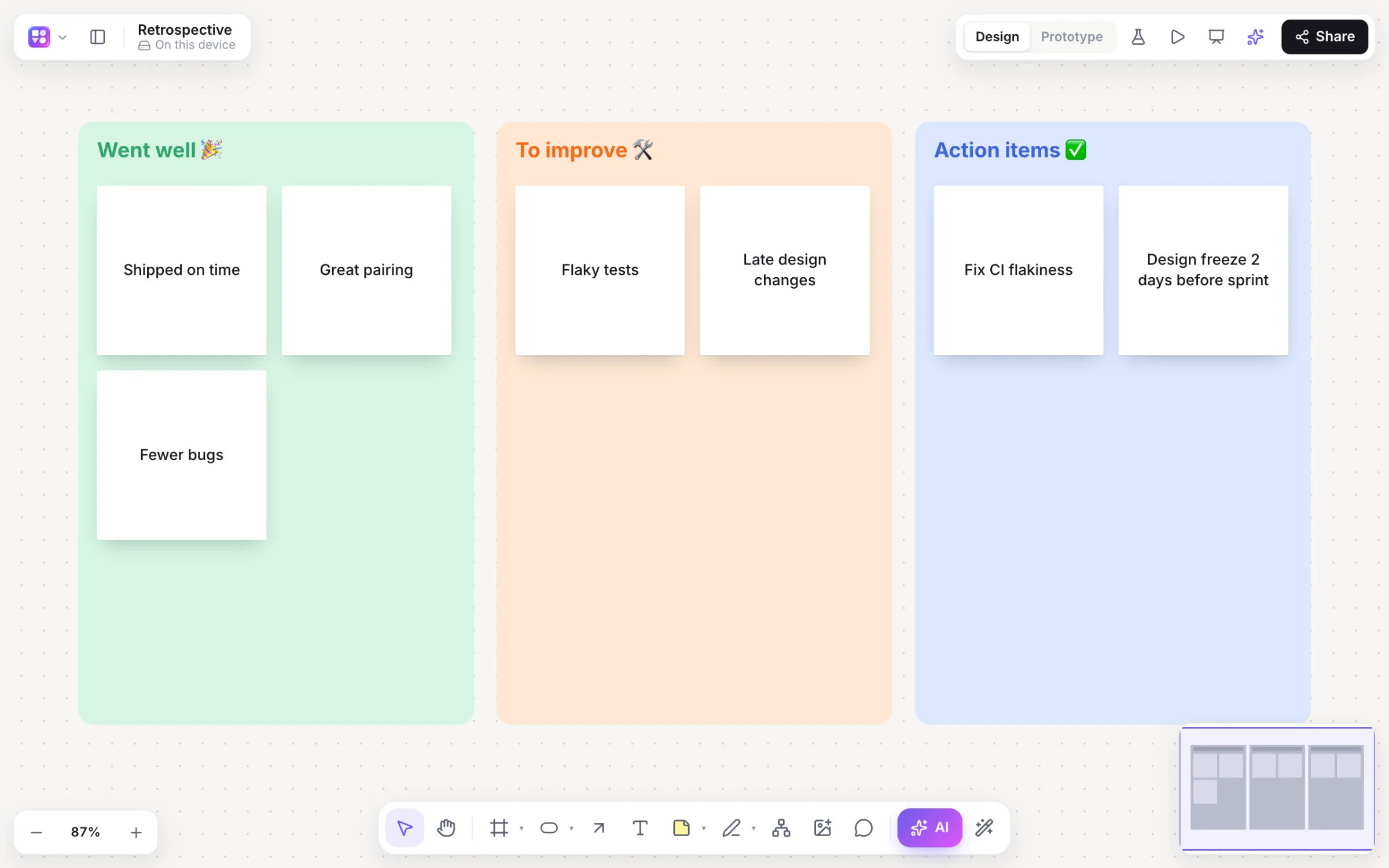
Builderii is a canvas for product work. It has the workshop basics (stickies, voting with hidden cursors, a timer, AI clustering and summaries) and then the rest of the job on the same board: flowcharts and mind maps that lay themselves out, linked wireframes from a prompt, and a clickable prototype you can test with real people.
Questions
Both run workshops well, with sticky notes, voting, timers and templates. Miro has more templates, apps and enterprise features; FigJam is lighter and pairs with Figma.
Both have a free plan with limits and paid plans per seat or member; prices change, so check their pricing pages. Builderii is free while it’s new, with every feature.
If your designers are in Figma, FigJam keeps whiteboards next to the designs. If you want the whiteboard to become the flow, the screens and a tested prototype on one board, try Builderii.
Yes. Builderii is free while it’s new, with every feature on and 200 AI jobs a month per person. Viewers and commenters will always be free, and paid plans will publish their AI allowances.
Keep reading

Start with a prompt, a template or a blank board. It’s free.