
Pick Builderii if…
- Your workshops should end in flows and screens
- You want AI to cluster notes and draft the next step
- You want to test a prototype with users
- You’re a product team, not a facilitation practice
Mural alternative
Mural is built for facilitators. Builderii gives product teams the workshop basics, stickies, voting, a timer and AI clustering, and then the rest of the job on the same board: the flow, the screens and a prototype people can click through.
Works in your browser · No card · Free while it’s new
In short
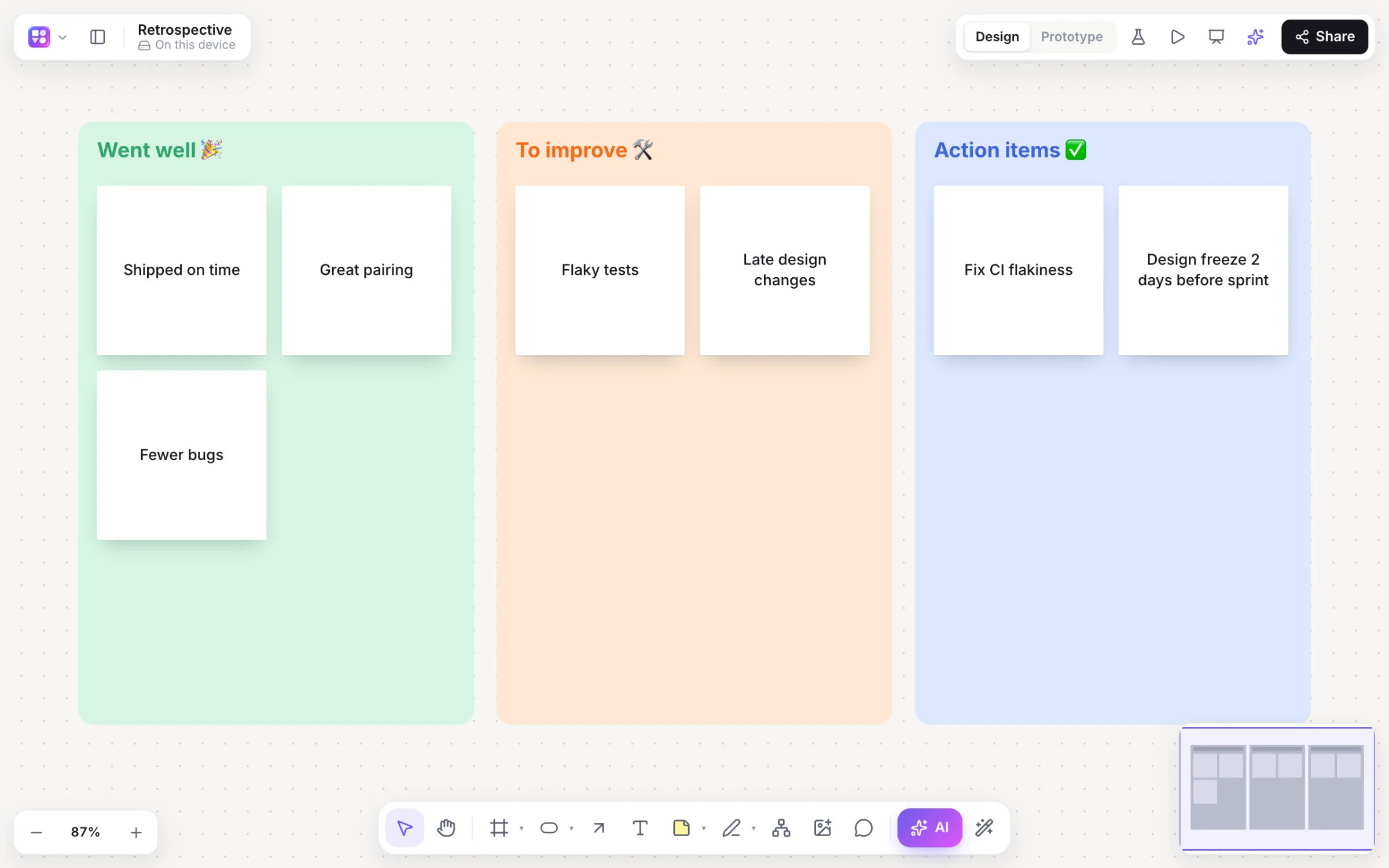
Builderii is a Mural alternative for product teams whose workshops should end in something buildable. It has sticky notes, stamps, dot voting with hidden cursors, a timer and AI that groups and summarises notes, and the same board then holds the user flow, the wireframes and a clickable prototype you can test. Mural is the better pick for large, facilitated enterprise workshops and its deep facilitation toolkit.
Why teams pick Builderii
Twelve colours, stamps and emoji reactions; paste a list and each line becomes a sticky.
Three votes each on stickies, with cursors hidden while people vote.
A five-minute countdown from the main menu keeps each round short.
Group by theme with a preview before anything moves; a summary card with next steps.
Turn the winning ideas into a flowchart or mind map, by hand or with AI.
Linked screens from a prompt, a player, and a test link with heatmaps.
Side by side
| Feature | Builderii | Mural |
|---|---|---|
| Sticky notes, voting and a timer | Yes | Yes, with a deep facilitation toolkit |
| AI clustering and summaries | Group by theme with a preview; a summary card | Mural AI |
| Flowcharts and mind maps that lay themselves out | Yes, drawn and changed by AI too | Diagram shapes and templates |
| Wireframes and clickable prototypes | Built in, with tests and heatmaps | Not its focus |
| Built for | Product teams | Facilitators and enterprise programs |
| Price to start | Free, with every feature | A free plan with limits; paid plans per member |
Compared from each product’s public pages in October 2026; features change, so check before you decide. Product names are trademarks of their owners. Builderii isn’t affiliated with or endorsed by them.
Which to pick
Questions
Yes. Builderii is free while it’s new, with every feature on and 200 AI jobs a month per person. Viewers and commenters will always be free, and paid plans will publish their AI allowances.
Yes: sticky notes, stamps, voting with hidden cursors, a timer, cursor chat, reactions, and templates for retros, SWOT and journey maps. AI groups notes by theme and summarises the board into next steps.
There’s no Mural import. Import Excalidraw and draw.io files, paste Mermaid code for editable shapes, paste spreadsheet cells for a table (or an org chart), and paste SQL or Prisma for a database diagram. A screenshot of an existing screen or diagram becomes an editable wireframe or flowchart through the AI bar’s image button.
Yes. Everyone on a board sees live cursors and edits as they happen, can follow someone’s view, chat at their cursor and leave comments with @mentions that send a notification and an email. Invite people as editors, commenters or viewers, or share a link.
Keep reading

Start with a prompt, a template or a blank board. It’s free.