
Pick Builderii if…
- You plan apps as well as websites
- You want a clickable prototype to test or present
- You want the plan, flows and workshop notes in one place
Relume alternative
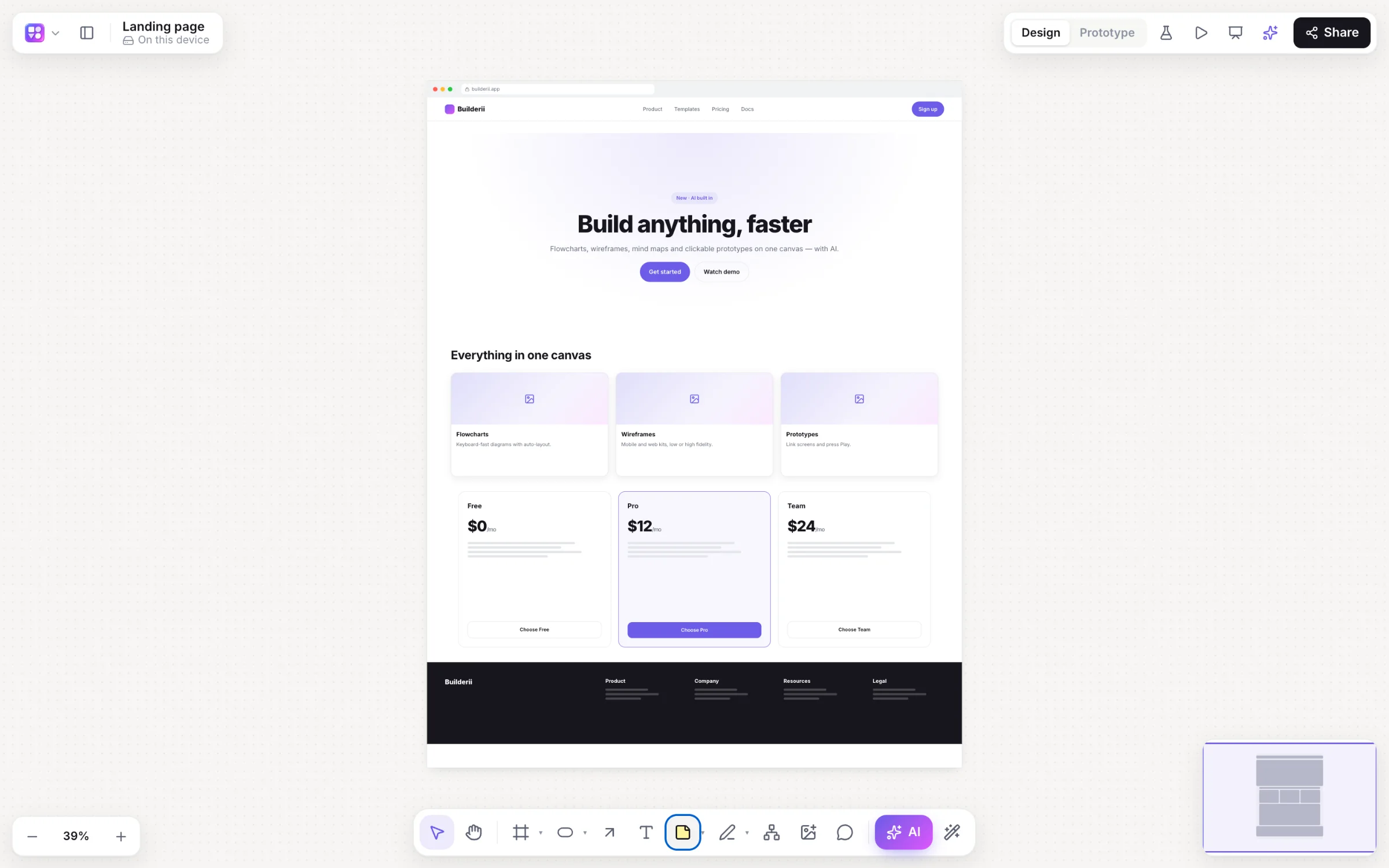
Relume made AI sitemaps and wireframes the starting point for web designers. Builderii does the planning on an infinite canvas: a sitemap with each page’s sections, page wireframes in browser frames, your brand from your current site, and a prototype you can send to a client or a tester.
Works in your browser · No card · Free while it’s new
In short
Builderii is a Relume alternative for planning websites and apps: its AI draws a sitemap with each page’s sections and wireframes pages in browser frames, your brand comes from your current site’s address, and the pages link into a clickable prototype you can test. App screens, user flows and workshops share the board. Relume is the better pick for building marketing sites in Webflow or Figma with its component library.
Why teams pick Builderii
A page tree with each page’s sections, from the home page down, that keeps its shape when you ask for changes.
Navigation, heroes, feature grids, pricing, testimonials and footers in browser frames.
Paste a website; Builderii reads its colours, fonts and corner rounding.
Link pages, press Play, share a test link and see where people clicked.
Make it real turns a page into a live HTML preview and a React and Tailwind component.
Mobile app screens, user flows and mind maps on the same board.
Side by side
| Feature | Builderii | Relume |
|---|---|---|
| AI sitemap with page sections | Yes | Yes |
| Website wireframes | Website sections in browser frames, low-fi or high-fi | From its large component library |
| Clickable prototype and user tests | Built in, with heatmaps | Not its focus |
| App screens, flows and workshops | On the same board | Websites only |
| Export | PNG, SVG, PDF, PowerPoint, HTML and React | Webflow, Figma and React |
| Price to start | Free, with every feature | A free plan with limits; paid plans |
Compared from each product’s public pages in October 2026; features change, so check before you decide. Product names are trademarks of their owners. Builderii isn’t affiliated with or endorsed by them.
Which to pick
Questions
Yes. Press /, pick Sitemap and describe the site; you get a page tree with each page’s sections, laid out by Builderii. Ask again to add or move pages.
No. Builderii exports images, PDF and PowerPoint, and turns pages into HTML and React code. If Webflow or Figma export is the goal, Relume is the better fit.
Yes. Builderii is free while it’s new, with every feature on and 200 AI jobs a month per person. Viewers and commenters will always be free, and paid plans will publish their AI allowances.
Keep reading

Start with a prompt, a template or a blank board. It’s free.