
Figma, when…
- You’re designing final UI
- You maintain a design system
- Engineers inspect specs in Dev Mode
Figma vs Miro
They’re often mentioned together, and they do different jobs. Figma designs the interface; Miro is where the team thinks, plans and workshops. Here’s how to choose, and when one canvas for both is simpler.
Works in your browser · No card · Free to start
In short
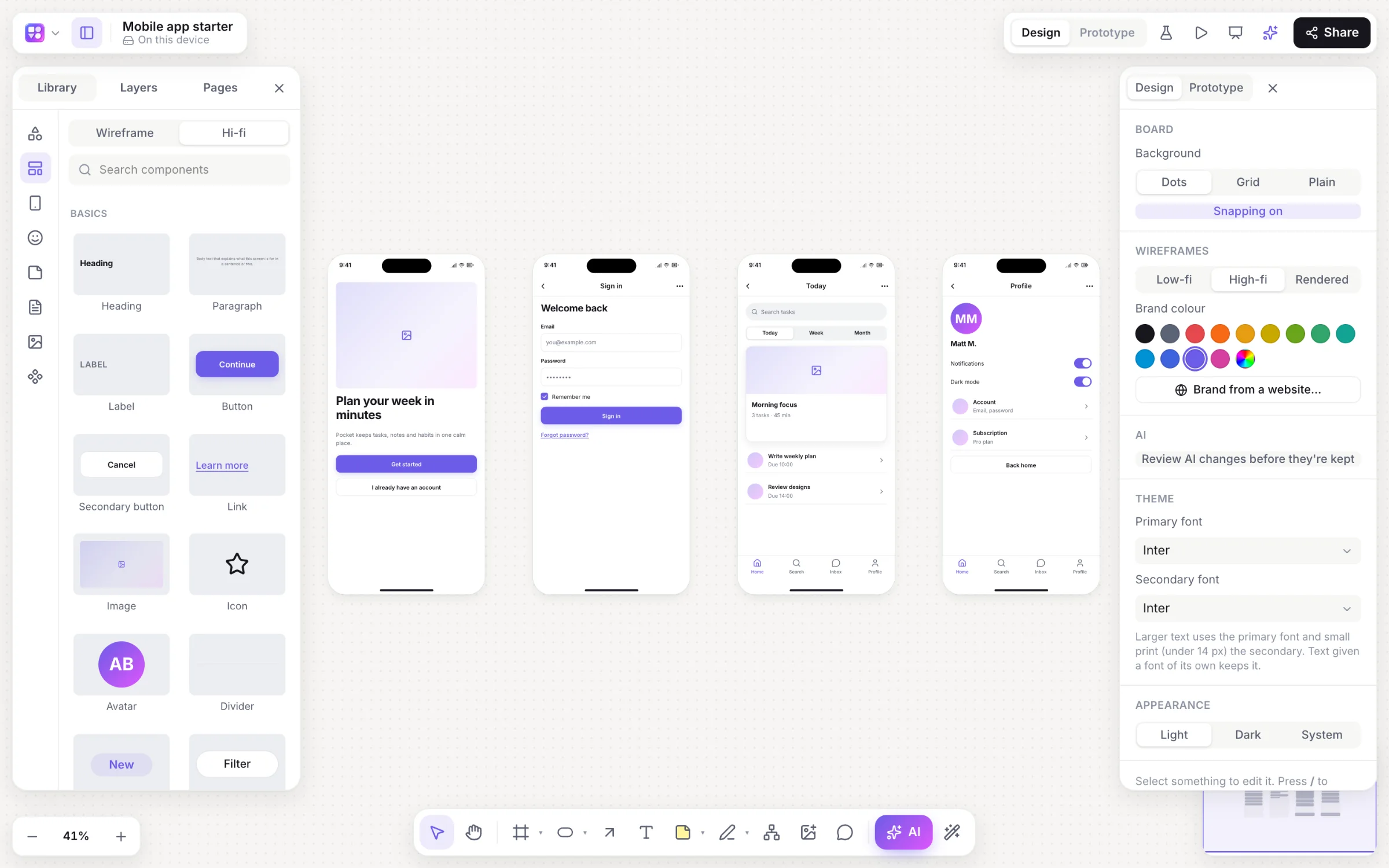
Figma is an interface design tool for screens, components, design systems and prototypes; its whiteboard is FigJam. Miro is an online whiteboard for workshops, planning and diagrams across a company, with Miro AI and AI-made prototypes. Many teams use both: Miro to think, Figma to design. Builderii puts the whiteboard, the flows, the screens and a tested prototype on one board.
Side by side
| Feature | Figma | Miro | Builderii |
|---|---|---|---|
| Made for | Designing interfaces | Whiteboarding across a company | Idea to tested prototype on one board |
| Workshops: stickies, voting, timer | In FigJam | Yes | Yes |
| Flowcharts and mind maps | In FigJam | Yes | Yes, keyboard-fast and drawn by AI |
| Screens and wireframes | Yes, pixel-perfect | A wireframe library | 46 components; low-fi, high-fi and Rendered |
| Clickable prototypes | Yes, advanced | Miro Prototypes, made with AI | Yes, with test links and heatmaps |
| AI | Figma AI and Figma Make | Miro AI | Nine kinds of diagram, changed in place |
| Price to start | A free Starter plan | A free plan with limits | A free plan with every feature, for 2 boards; Pro from $10 a month |
Compared from each product’s public pages in October 2026; features change, so check before you decide. Product names are trademarks of their owners. Builderii isn’t affiliated with or endorsed by them.
Which to pick
Figma is the standard for interface design: vector tools, auto layout, components with variants, shared libraries, prototypes with Smart Animate, and Dev Mode for engineers. Figma AI and Figma Make add AI to the design work. Its own whiteboard, FigJam, is the closer match to Miro.
Miro is a visual workspace for everyone in a company: workshops, research, planning, diagrams and programs, with a large marketplace of apps and templates, Miro AI, AI-made prototypes and enterprise admin. It isn’t a pixel-level design tool.
Builderii covers the stretch between them: sticky notes, voting and AI clustering for the workshop; flowcharts and mind maps that lay themselves out; linked wireframes from a prompt, high fidelity in your brand; and a clickable prototype you can test with real people, all on one board. For final, pixel-perfect UI, Figma is still the tool.
Questions
They’re for different jobs. Figma is better for designing interfaces; Miro is better for workshops, planning and diagrams with a whole team. Compare Miro with FigJam, Figma’s whiteboard, for a like-for-like choice.
For whiteboarding and early wireframes, partly; for final UI design, design systems and developer handoff, no.
FigJam, Figma’s whiteboard, covers workshops and diagrams, and suits teams whose designs already live in Figma.
Builderii keeps sticky notes, flowcharts, mind maps, wireframes and a clickable, testable prototype on one board, with AI that builds alongside you. Builderii’s Free plan has every feature and 200 AI jobs a month per person, for up to 2 boards with up to 50 components on each. Pro takes those limits off for $10 a month billed yearly, or $12 month to month.
Keep reading
Start with a prompt, a template or a blank board. It’s free to start.