
Pick Builderii if…
- You want a whiteboard with sticky notes and drawing, free to start
- You’d like templates, voting and a timer
- You want AI to sort the notes
- Your boards might turn into flowcharts or plans
Jamboard alternative
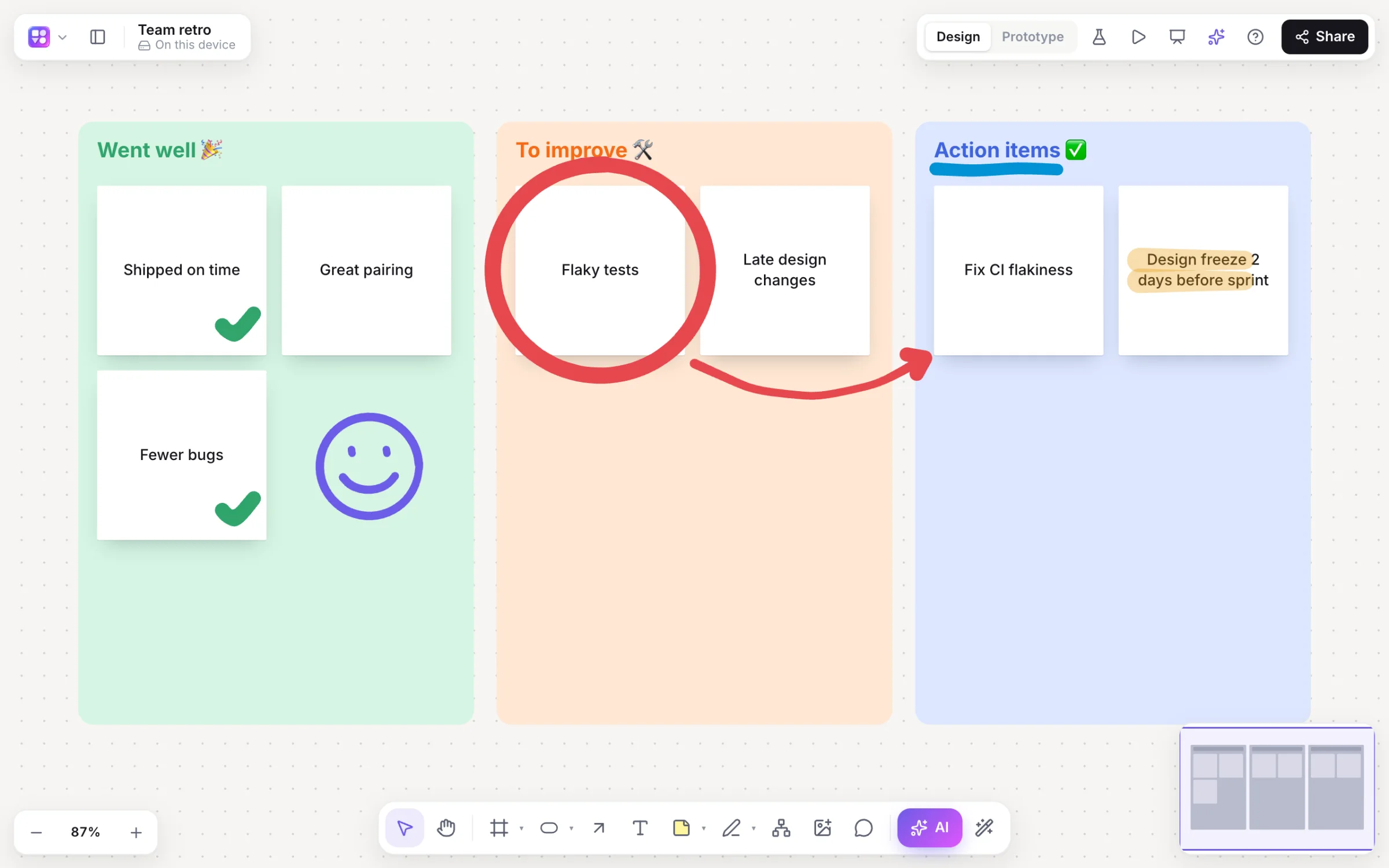
Jamboard was the simple whiteboard many schools and teams used inside Google Workspace. Builderii keeps that simplicity (sticky notes, a marker, a board you share) and adds templates, structure and an AI that sorts the notes for you.
Works in your browser · No card · Free to start
In short
Google discontinued Jamboard: the app became read-only on October 1, 2024 and closed after December 31, 2024. Builderii is a Jamboard alternative in the browser, free to start, with what Jamboard users relied on (sticky notes, a marker and highlighter, images and drawing together live), plus templates, mind maps, voting, a timer and AI that groups and summarises notes. You can sign in with your Google account.
Why people move to Builderii
Twelve colours; paste a list and each line becomes a sticky.
Marker, highlighter and eraser, high-contrast colours, stylus pressure on a tablet.
Drop in pictures, screenshots and your old Jamboard exports, and draw over them.
As many pages on a board as you need, like Jamboard’s frames.
Retro, SWOT, journey map, kanban and mind maps, or your own.
Brainstorms from a topic, grouping by theme and summaries with next steps.
Moving over
Jamboard let you download frames as PDF or PNG before it closed.
Continue with Google, or with an email address.
Drop PNGs on a board as pictures and keep drawing over them.
Pick a template, or ask the AI for a brainstorm on your topic.
Side by side
| Feature | Builderii | Google Jamboard |
|---|---|---|
| Available | Yes | No: closed after December 31, 2024 |
| Sticky notes and drawing | Yes | Yes |
| Templates, mind maps and flowcharts | 18 templates, mind maps, flowcharts and more | Not its focus |
| Voting and a timer | Yes | No |
| AI | Brainstorms, grouping, summaries and diagrams | No |
| Sign in with Google | Yes | Yes |
| Price | A free plan with every feature, for 2 boards; Pro from $10 a month | Was part of Google Workspace |
Compared from each product’s public pages in October 2026; features change, so check before you decide. Product names are trademarks of their owners. Builderii isn’t affiliated with or endorsed by them.
Which to pick
Questions
No. Google made Jamboard read-only on October 1, 2024 and shut it down after December 31, 2024; the Jamboard display reached end of life on October 1, 2024.
There’s no Jamboard import. If you exported frames as PNG images, drop them on a Builderii board as pictures and draw or add sticky notes over them.
Yes: Continue with Google on the sign-in screen. An email address works too.
Yes, to start. Builderii’s Free plan has every feature and 200 AI jobs a month per person, for up to 2 boards with up to 50 components on each. Pro takes those limits off for $10 a month billed yearly, or $12 month to month.
To draw and edit, a free account, with Google or an email address. To watch, none: anyone with a board’s share link can view it and see edits live, as a named guest with their own cursor.
Keep reading

Start with a prompt, a template or a blank board. It’s free to start.