
Miro, when…
- You want one board for everything
- You rely on its marketplace
- Many teams share boards
Miro vs Mural
Both are mature, enterprise-ready whiteboards with sticky notes, templates, AI and live collaboration. The difference is emphasis: Miro does a bit of everything, Mural puts the facilitator first. Here’s how to choose.
Works in your browser · No card · Free to start
In short
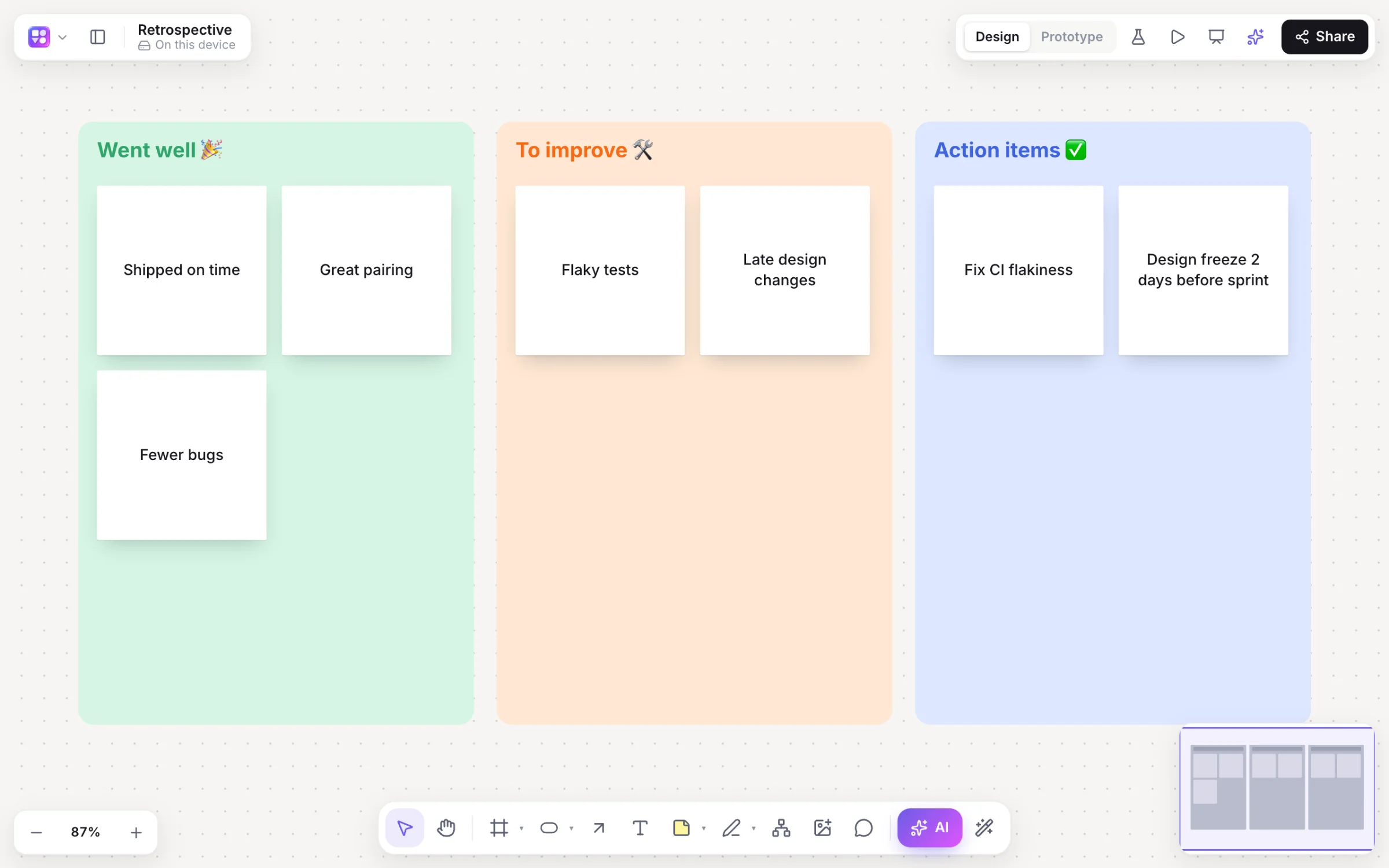
Miro and Mural are both online whiteboards for teams. Miro is the broader platform, with a very large app and template marketplace, Miro AI and AI-made prototypes. Mural is built around facilitation, with tools for running structured sessions. Pick Miro for breadth, Mural for facilitated workshops, or Builderii if your product team’s workshops should end in flows, screens and a tested prototype.
Side by side
| Feature | Miro | Mural | Builderii |
|---|---|---|---|
| Best for | Company-wide whiteboarding | Facilitated workshops | Product workshops that end in a prototype |
| Stickies, voting and a timer | Yes | Yes, with a deep facilitation toolkit | Yes |
| AI | Miro AI | Mural AI | Clustering, summaries, and nine kinds of diagram |
| Wireframes and clickable prototypes | Miro Prototypes, made with AI | Not its focus | Built in, with tests and heatmaps |
| Apps and integrations | A very large marketplace | Integrations with common work tools | Claude and ChatGPT through MCP |
| Price to start | A free plan with limits | A free plan with limits | A free plan with every feature, for 2 boards; Pro from $10 a month |
Compared from each product’s public pages in October 2026; features change, so check before you decide. Product names are trademarks of their owners. Builderii isn’t affiliated with or endorsed by them.
Which to pick
Miro is a visual workspace for a whole company: workshops, planning, research and diagrams, with a very large marketplace of apps and templates, Miro AI, AI-made prototypes and enterprise admin.
Mural is designed around facilitation: tools for running structured sessions with many participants, templates built on proven methods, Mural AI, and enterprise programs for teams that run workshops often.
Builderii is lighter and made for product teams: sticky notes, dot voting with hidden cursors, a timer and AI that groups and summarises notes, then the flowchart, the linked wireframes and a clickable prototype on the same board, with tests that bring back tap heatmaps.
Questions
Both run workshops well. Mural puts more into facilitation; Miro is broader, with more apps and templates. Try both on a real session before deciding.
Both have a free plan with limits and paid plans per member; prices change, so check their pricing pages. Builderii has a free plan with every feature, for up to 2 boards, and Pro from $10 a month.
If your workshops should turn into a user flow, wireframes and a prototype, Builderii keeps all of that on one board. For company-wide boards, Miro; for facilitation programs, Mural.
Yes, to start. Builderii’s Free plan has every feature and 200 AI jobs a month per person, for up to 2 boards with up to 50 components on each. Pro takes those limits off for $10 a month billed yearly, or $12 month to month.
Keep reading
Start with a prompt, a template or a blank board. It’s free to start.