
AI UI generator
AI UI generator: from a prompt to a finished-looking app.
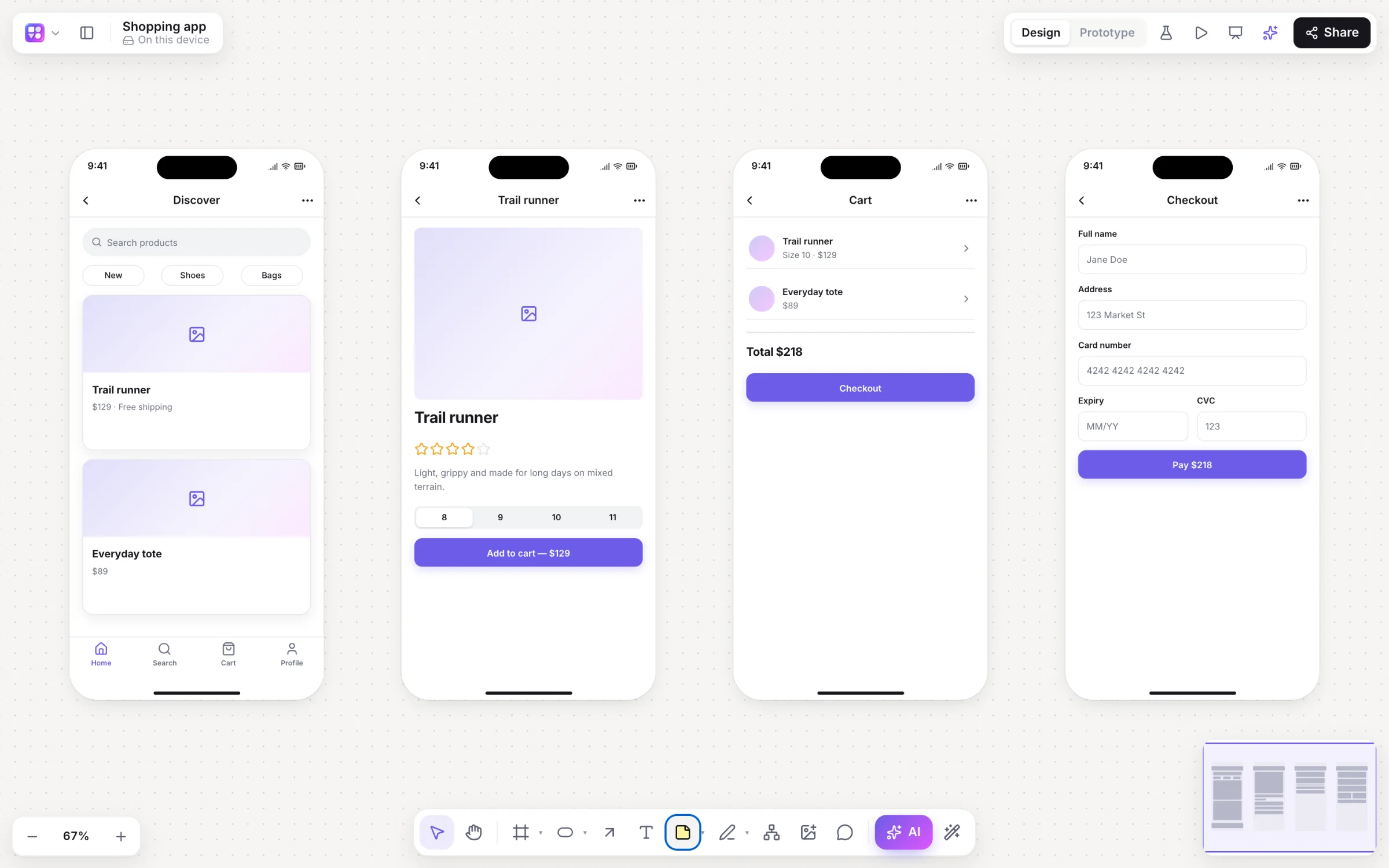
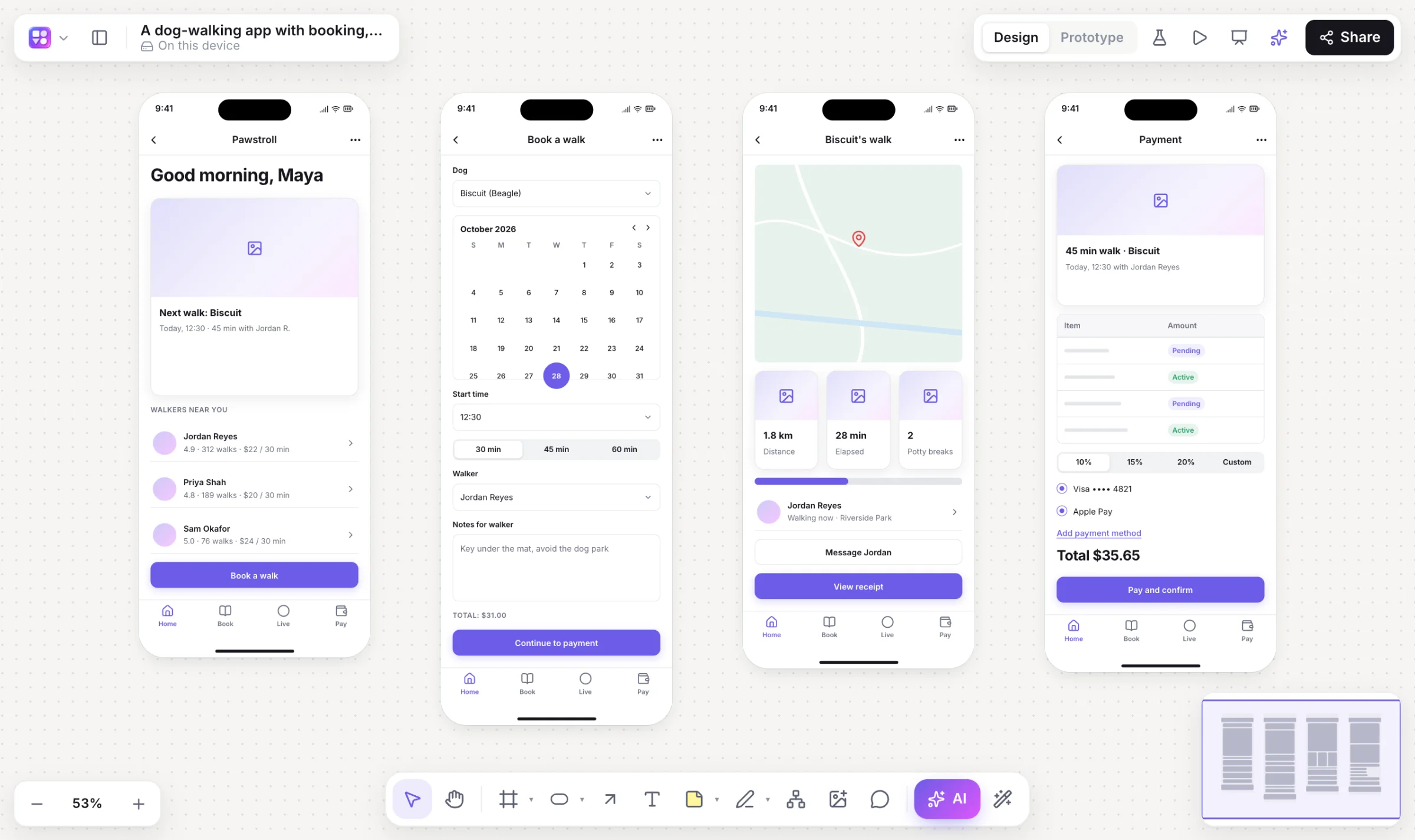
Most AI UI tools hand you a picture. Builderii hands you screens you can edit, link and test, then shows them as finished designs when you need to impress someone, and as code when you need to build them.
Works in your browser · No card · Free to start
In short
Builderii’s AI UI generator turns a description of an app or website into editable screens built from real components, already linked into a prototype. From there, one switch shows them in your brand, and Rendered redraws them as finished designs with real photos, styled after similar real apps; Apply turns a render into editable layers. Any screen also becomes HTML and a React and Tailwind component.
- Input
- A description, a screenshot, or a sketch on the board
- Output
- Editable screens, then Rendered final designs you can apply as layers
- Brand
- Read from your website: colours, fonts, corner rounding
- Price
- Free plan with every feature, for 2 boards; Pro, unlimited, from $10 a month
What you get
UI design, start to finish.
Prompt to screens
One to eight linked screens in device frames, with a start screen.
Rendered final designs
Styled after similar real apps (with your Mobbin account) or Builderii’s own earlier renders.
On brand
Your website’s colours, fonts and corner rounding on every high-fidelity screen.
1,631 Google fonts
Theme fonts for headings and body, or a font on one element.
Clickable and testable
The player runs wireframes or renders, links included; share a test link for heatmaps.
Code from any screen
A live HTML preview and a React and Tailwind component to copy.
How it works
From a prompt to a final design.
Describe the app
Press /, pick App screens, choose Mobile or Web and describe it.
Edit the screens
They’re real components: change text and props, or ask for changes.
Render them
Choose Rendered for finished designs with real photos; steer the look in its chat (“darker”, “playful”).
Apply or export
Apply turns a render into editable layers; Make it real gives HTML and React.
On the canvas
Real boards, made in Builderii.
Questions
Good questions.
Is the AI UI generator free?
Yes, to start. Builderii’s Free plan has every feature and 200 AI jobs a month per person, for up to 2 boards with up to 50 components on each. Pro takes those limits off for $10 a month billed yearly, or $12 month to month.
Are the designs editable?
Yes. Generated screens are made of editable components. Rendered designs are temporary until you press Apply, which rebuilds each one as editable layers below the wireframe, with its prototype links moved across.
Does Rendered need a Mobbin account?
No. With Mobbin connected, renders are styled after similar real apps on Mobbin; without it, Builderii designs them from its own earlier renders of the same kind of screen.
Can it turn a design into code?
Yes. Make it real writes a live HTML preview of a screen and a React component in TypeScript with Tailwind that you can copy.
How does the AI work?
Every AI action runs as a job with strict schemas: the AI decides what goes on the board, and Builderii’s own layout engines decide where, so diagrams come out tidy and stay editable. Prompts and boards are never logged.
Keep reading
More ways to use Builderii.
What do you want to build?
Start with a prompt, a template or a blank board. It’s free to start.