
Pick Builderii if…
- The board should still be there next week
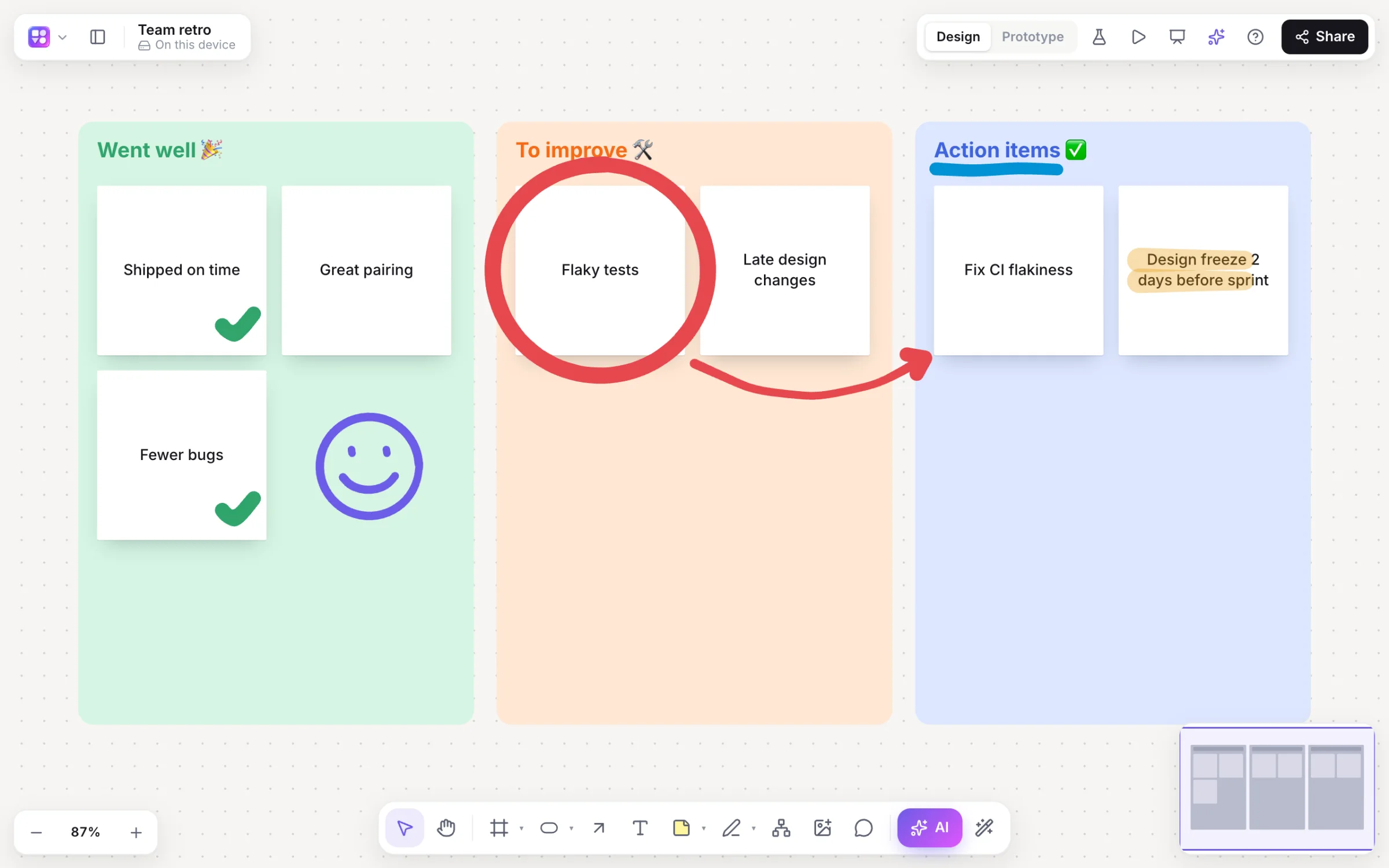
- You want sticky notes, templates and diagrams
- You run workshops, lessons or team meetings
- You want AI to sort and summarise
Whiteboard Fox alternative
Whiteboard Fox nails the basics: a link, a pen, people drawing together. Builderii keeps drawing together just as live, and gives the drawing somewhere to go: sticky notes, templates, mind maps and flowcharts, and an AI that sorts it all out.
Works in your browser · No card · Free to start
In short
Whiteboard Fox is a simple online whiteboard: open a board and draw with other people, with no account needed for basic use. Builderii asks for a free account to draw, and in return your boards are saved with version history, and you get sticky notes, templates, mind maps, flowcharts, voting, a timer, comments and AI on the same infinite canvas. Anyone you share a link with can watch live without an account. For a quick sketch with no sign-up at all, Whiteboard Fox is quicker.
Why people pick Builderii
Marker, highlighter and eraser in high-contrast colours; everyone’s strokes appear live.
Notes in twelve colours, shapes, connectors, text and images.
18 to start from, and any board saved as your own.
Tidy diagrams that lay themselves out, drawn by hand or by AI.
Boards save as you go, with autosaves and named versions.
Brainstorms, grouping by theme, summaries and diagrams from a prompt.
Side by side
| Feature | Builderii | Whiteboard Fox |
|---|---|---|
| Start drawing | After a free sign-in (Google or email) | Straight away, no account for basic use |
| Draw together live | Yes | Yes |
| Watch from a link | Yes, without an account | Yes, by sharing the board’s link |
| Sticky notes, templates, mind maps, flowcharts | Yes | Not its focus |
| Comments, voting and a timer | Yes | Not its focus |
| AI | Brainstorms, grouping, summaries and diagrams | Not its focus |
| Price to start | A free plan with every feature, for 2 boards; Pro from $10 a month | Free for basic use |
Compared from each product’s public pages in October 2026; features change, so check before you decide. Product names are trademarks of their owners. Builderii isn’t affiliated with or endorsed by them.
Which to pick
Questions
To draw and edit, a free account, with Google or an email address. To watch, none: anyone with a board’s share link can view it and see edits live, as a named guest with their own cursor.
Yes. Everyone with edit access draws on the same board live, and sees each other’s cursors and strokes as they happen.
There’s no import. Save a drawing as an image and drop it on a Builderii board to keep drawing over it.
Yes, to start. Builderii’s Free plan has every feature and 200 AI jobs a month per person, for up to 2 boards with up to 50 components on each. Pro takes those limits off for $10 a month billed yearly, or $12 month to month.
Keep reading

Start with a prompt, a template or a blank board. It’s free to start.