
Pick Builderii if…
- Whiteboards should turn into diagrams and plans
- You want AI to draft and tidy
- Your team isn’t all on Microsoft 365
- You want prototypes and user tests too
Microsoft Whiteboard alternative
Microsoft Whiteboard is a fine place to sketch during a Teams call. Builderii is for when the sketch needs to become something: a flowchart, an org chart, a mind map, a set of screens, with AI doing the first draft.
Works in your browser · No card · Free to start
In short
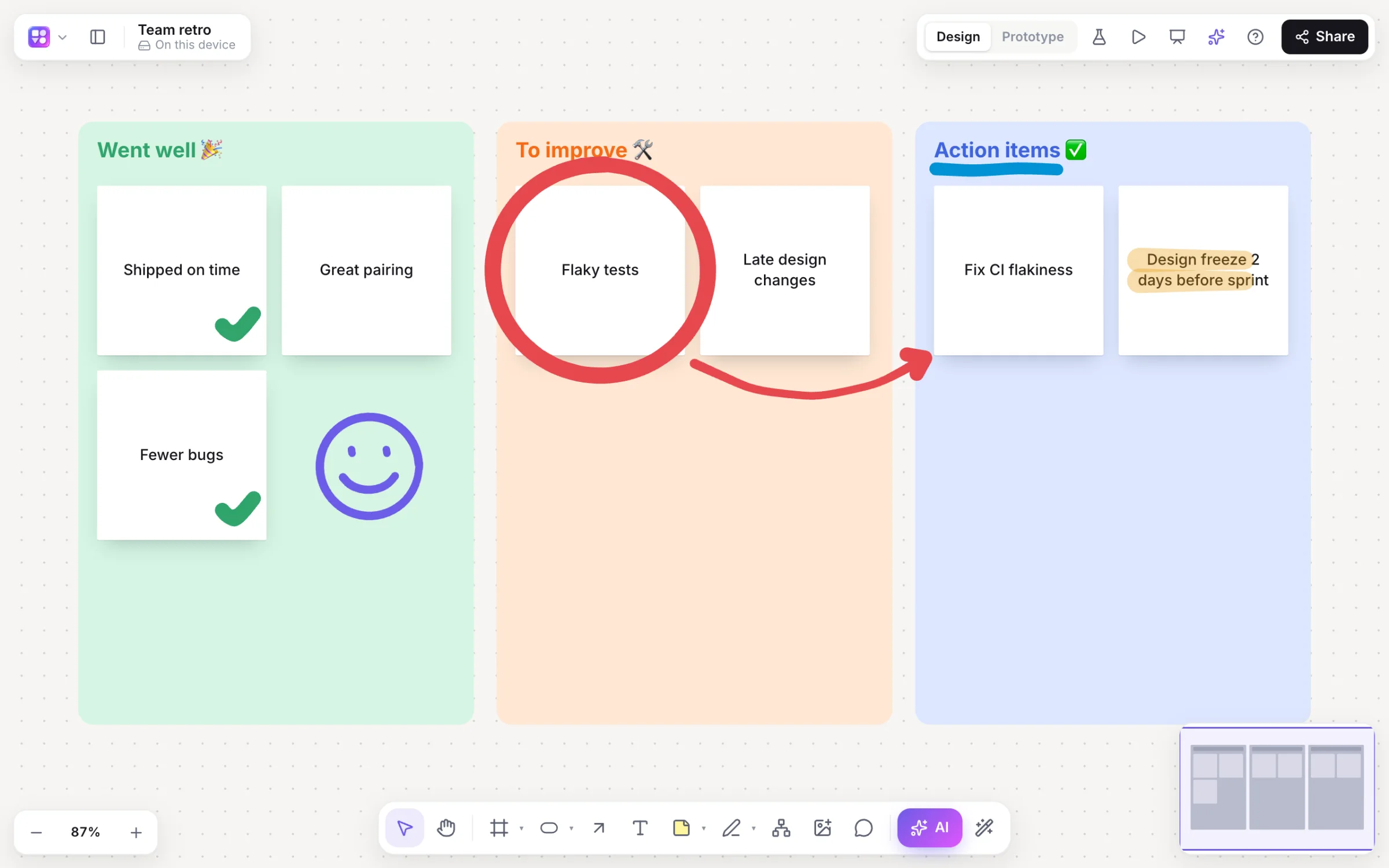
Microsoft Whiteboard is a free digital whiteboard for anyone with a Microsoft account, built into Microsoft Teams, with apps and strong pen inking. Builderii is an alternative in any browser, free to start, for teams that want the whiteboard to lead somewhere: sticky notes, drawing, voting and a timer, then flowcharts, mind maps, org charts, wireframes and prototypes on the same board, with AI that drafts and tidies. If your organisation lives in Teams, Microsoft Whiteboard is the natural pick.
Why teams pick Builderii
Marker, highlighter and eraser; a stylus’s pressure on a tablet.
Everything for a workshop, with AI to group the notes.
Diagrams that lay themselves out; a spreadsheet becomes an org chart.
Tab and ↵ to add ideas, ⌘. for AI ideas.
Linked screens from a prompt, a player and user tests.
Mac, Windows, Linux or a Chromebook, with nothing to install.
Side by side
| Feature | Builderii | Microsoft Whiteboard |
|---|---|---|
| Runs on | Any modern browser, on a computer, tablet or phone | Apps and the web, and inside Microsoft Teams |
| Sign in | Google or an email address | A Microsoft account |
| Pen inking | A marker that follows stylus pressure | Strong, built for pens |
| Flowcharts, org charts and mind maps | Built in, laid out automatically | Shapes and templates |
| Wireframes and clickable prototypes | Built in | Not its focus |
| Price | A free plan with every feature, for 2 boards; Pro from $10 a month | Free with a Microsoft account |
Compared from each product’s public pages in October 2026; features change, so check before you decide. Product names are trademarks of their owners. Builderii isn’t affiliated with or endorsed by them.
Which to pick
Questions
Yes, to start. Builderii’s Free plan has every feature and 200 AI jobs a month per person, for up to 2 boards with up to 50 components on each. Pro takes those limits off for $10 a month billed yearly, or $12 month to month.
Yes: share your screen with the board, or post the board’s link in the meeting chat. There’s no Teams app integration.
There’s no import. Export a board as an image and drop it on a Builderii board, or give the AI bar a picture of a diagram to rebuild it as an editable flowchart.
To draw and edit, a free account, with Google or an email address. To watch, none: anyone with a board’s share link can view it and see edits live, as a named guest with their own cursor.
Keep reading
Start with a prompt, a template or a blank board. It’s free to start.